Pinpoint the Station
To complete the setup, you must have completed the ChargePoint Installer training and received your ChargePoint Installer login.
Required Tools and Materials
|
|
Smartphone with Internet connectivity |
|
ChargePoint Installer app |
|
|
Exact location of stations or units, including parking space |
|
ChargePoint installer login credentials |




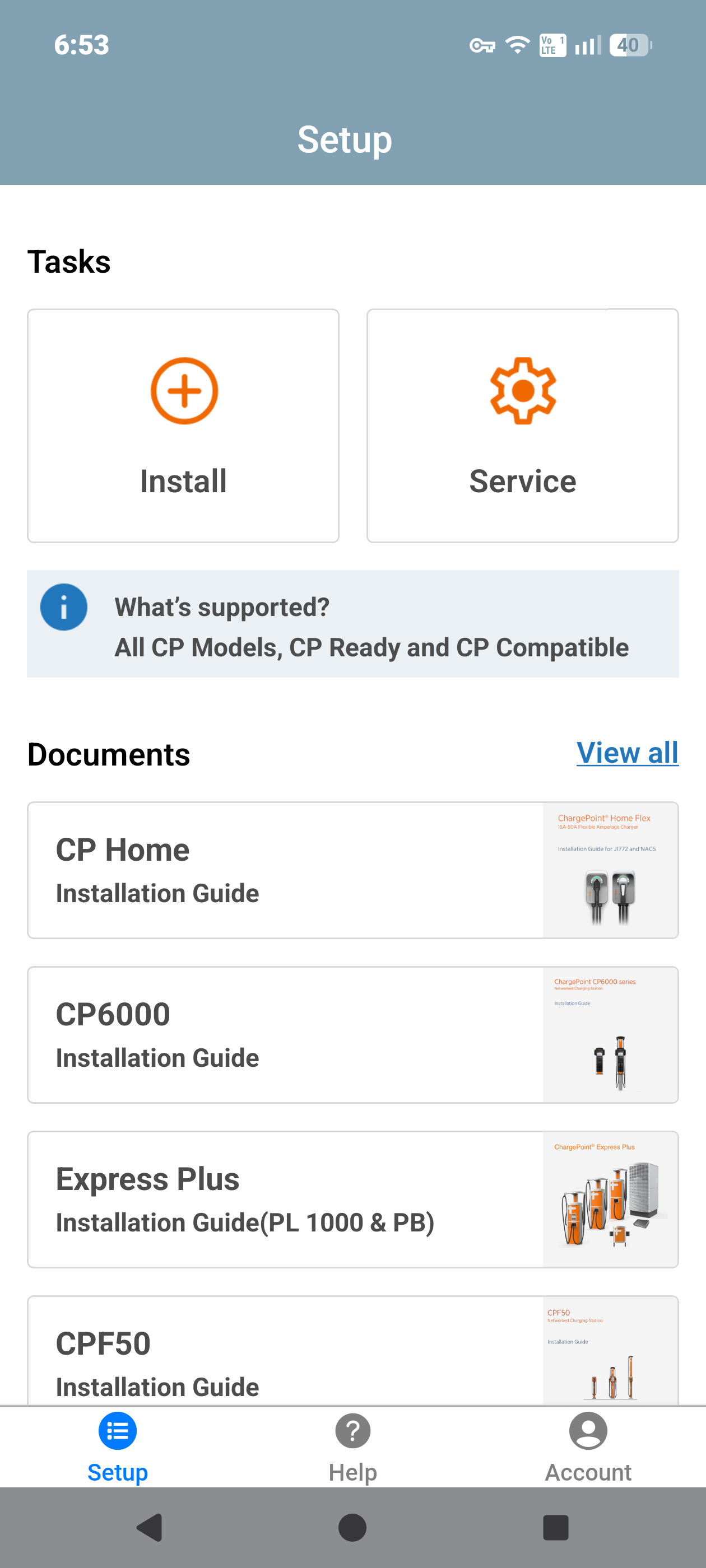
Open the ChargePoint Installer app on your smartphone and follow the instructions below:
-
If you do not already have the Installer app, scan the QR
 Quick Response code to download the app.
-
Log in or register using the ChargePoint Installer app on your smartphone.
-
Tap on Install.
-
Use the app to scan the QR
Quick Response code on the charging station label.
-
The app automatically identifies the charging station and begins the pinpointing and configuration process.
-
Follow the in‑app instructions to complete pinpointing and configuration process.
Station Activation
As the installer, your role is to support this process by providing the station owner with the required station identification information. Before leaving the site, provide the station owner with a list of all installed charging station serial numbers and/or MAC Message Authentication Code addresses, and inform them that activation is required before the stations can be used. For installations using a ChargePointGateway, also provide a list showing which charging stations are paired with each Gateway. Each Gateway can support up to eight (8) charging stations. Refer Requirements to help determine and document the appropriate Gateway to station pairings.
If station owner has additional questions, you can refer them to ChargePoint Support at chargepoint.com/support.