Replace the Backplate
-
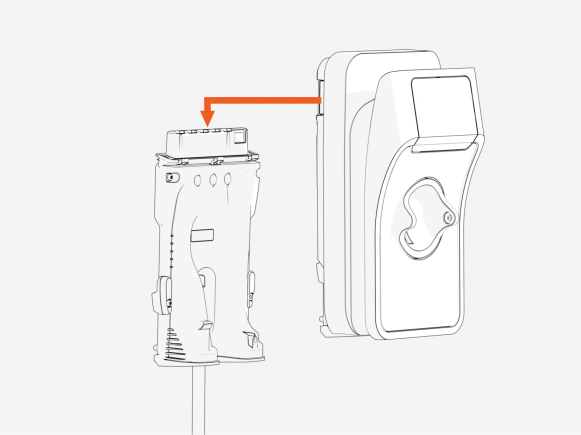
Remove the station from the backplate.
-
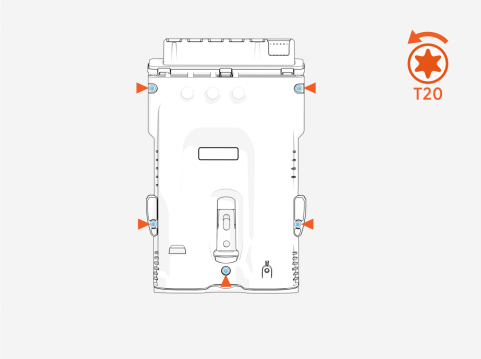
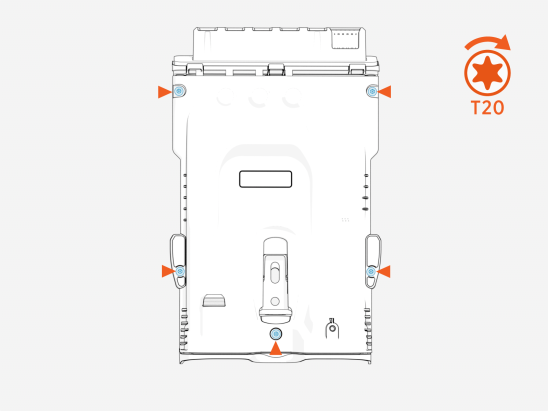
Unscrew and remove the backplate cover.
-
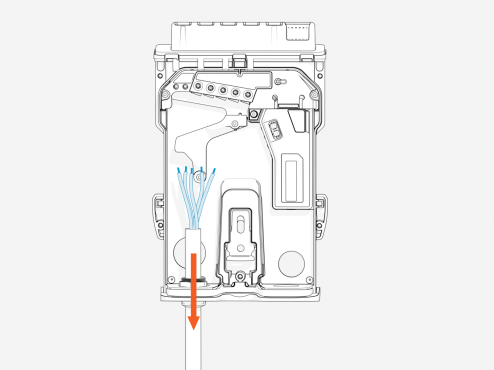
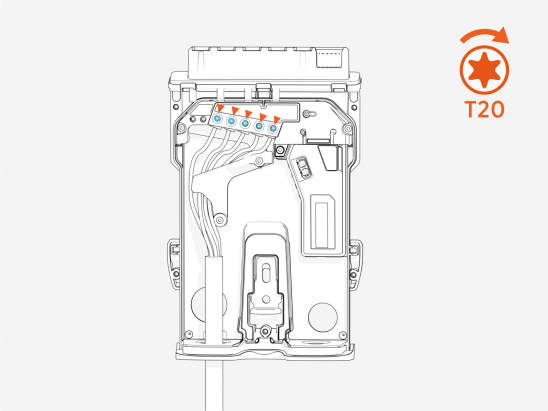
Disconnect all AC and data wiring.
-
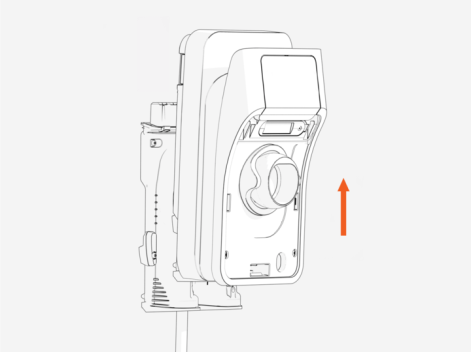
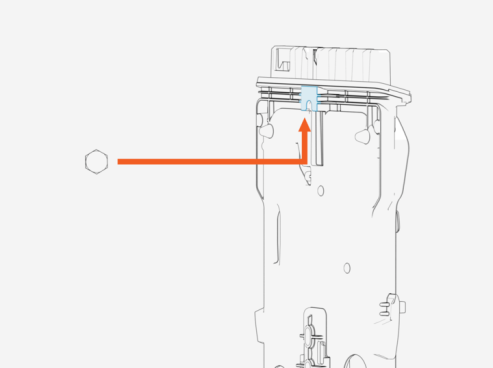
Lift up to remove the backplate from the mounting screw.
-
Align the new backplate with the mounting screw and slide into position.
-
Reconnect the AC and data wiring.
-
Reattach the backplate cover and tighten the four screws to secure it in place.
-
Slide the main unit onto the backplate until it clicks into place.