Prepare for Installation
This topic provides step-by-step instructions for installing a CP4100 Wall Mount ChargePoint® Networked Charging Station. Depending on the specific model of CP4100 you are installing, it may be a single port or dual port charging station.
- If the charging station is not installed, commissioned, or serviced by a ChargePoint certified technician using a ChargePoint-approved method, it is excluded from all ChargePoint and other warranties and ChargePoint is not responsible.
- You must be a licensed electrician and complete training at https://www.chargepoint.com/partners/training-certification to become ChargePoint certified and to access ChargePoint's web-based installer tools or ChargePoint Installer app.
Before You Begin
Ensure that all these conditions are met at the installation site:
-
The appropriate circuit protection and metering is in place, following local codes and regulations.
-
The electrical cable has been installed and about 2 m of cable is left for a service loop.
-
The electrical cable has a maximum diameter of 25 mm. The wire does not exceed 16 mm2.
-
The mounting surface is smooth, stable, plumb, and strong. It provides sufficient stability for installing the charging station.
-
The installation site is clean.
For a safe and successful installation:
-
Open Box #1 and locate the printed Quick Reference Guide. Review all safety information and heed all warnings listed in the guide.
-
Review the CP4100 Datasheet (available at ChargePoint Product Reference Documentation).
-
Review the contents of this Installation Guide to familiarize yourself with the contents of each shipping box and the required installation steps.
-
Follow the instructions in this guide and heed all warnings.
-
Do not place liquids, or objects containing liquids, on the charging station.
-
Do not place stickers, or other materials that may eliminate sufficient air circulation, on the charging station.
-
Only use accessories sold for the charging station by ChargePoint.
-
Arrange for two people to complete the installation.
Installation is easier with two people. Alternatively, use a service cart 1 m high to hold the charging station while completing the steps to mount the charging station on the wall.
Required Tools and Materials
-
Cordless drill with a M10 masonry drill bit
-
#2 Phillips screwdriver
-
#2 Pozidriv screwdriver (for the breaker terminals)
-
Set of tamper-resistant Torx drivers (T20, T25, T27, T30)
-
Crescent wrench, adjustable to 16 mm
-
Hammer (optional, if wall anchors are required)
-
Electrical wire strippers
-
Spirit level
-
Measuring tape
-
Utility knife or Dremel tool
-
Electrical tape
-
Wire end ferrules (optional, for covering the stripped ends of flexible wires)
-
Voltage meter
-
Cup for holding small parts
-
Damp cloth for wiping down the exterior of the station
-
Floor mat, padded floor covering, or other similar material to protect station components
-
Mobile device with a QR
 Quick Response-code scanner, camera, and Internet connection
Shipping Box Summary
|
Box # |
Assembly Name |
Overview of Box Contents |
|---|---|---|
|
1 |
CP4100 Charging Station Single Port or Dual Port |
|
Check the Box Contents
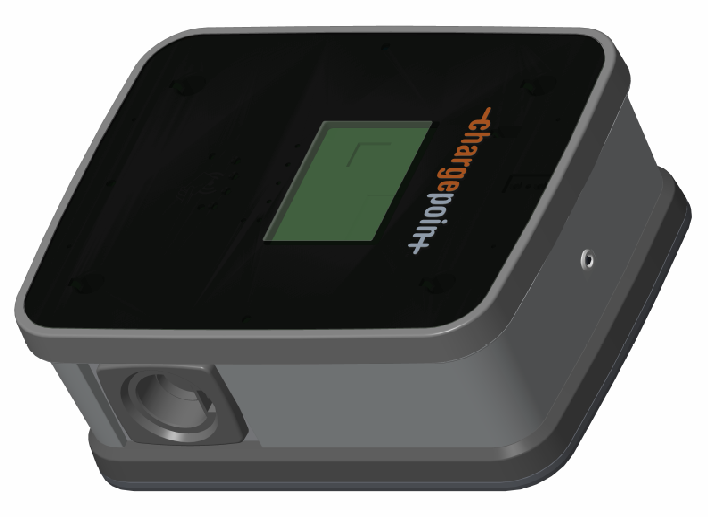
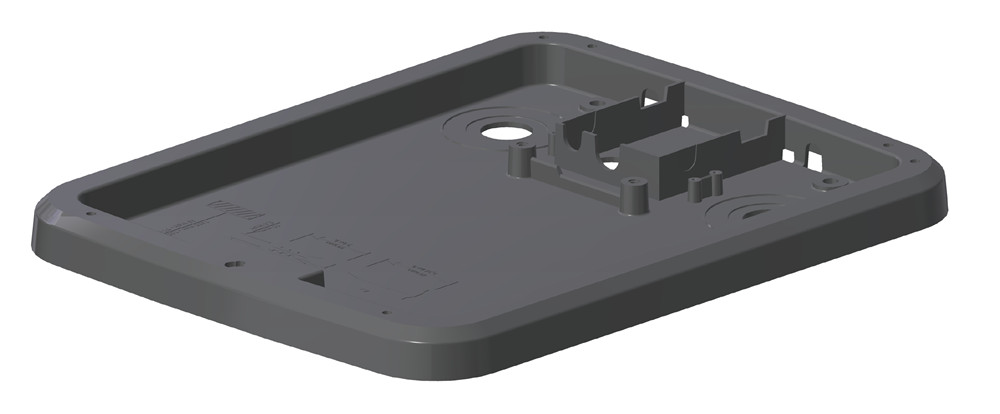
Find Box #1, the CP4100 Charging Station, and ensure you have all components (graphics are not to scale).
|
CP4100Charging Station (1) Includes activation sticker and phase rotation labels inside. Model may be single port or dual port |
|
|
Grounding plate (1) |
|
|
Box of rubber grommets (1) |
Contains 1 large and 2 small rubber grommets |
|
Installation kit (1) |
Contains:
|
Installation Sequence
Regardless of the specific type of CP4100 wall mount charging station, the high-level installation sequence is the same. Where this installation topic refers to two power cables or two station ports, the same instructions apply to single port stations.
