Service Bulletin: Software Corruption Caused by Unexpected Power Loss
Bulletin Published: February, 2024
Affected Models and Down Version: Some ChargePoint CP6000, Power Link 2000, and Power Link 1000 charging stations.
Required Action: Do not interrupt power to the station until the software initialization sequence has completed and has progressed to the Installation Wizard or the Installer App.
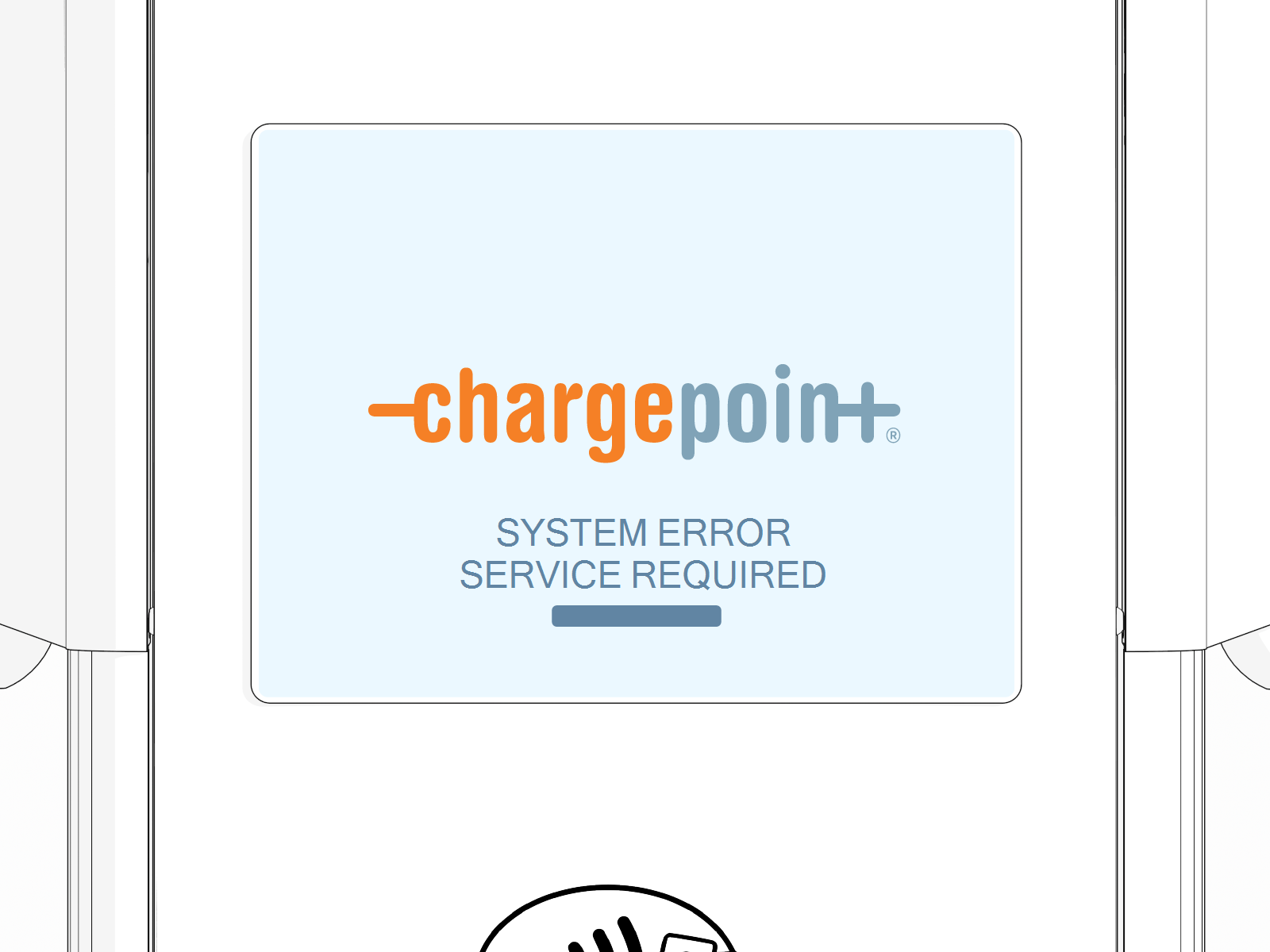
Failure: Unexpected power loss during the first boot up in the field results in station software being corrupted. The station displays a SYSTEM ERROR SERVICE REQUIRED message.
- If the charging station is not installed, commissioned, or serviced by a ChargePoint certified technician using a ChargePoint-approved method, it is excluded from all ChargePoint and other warranties and ChargePoint is not responsible.
- You must be a licensed electrician and complete training at https://www.chargepoint.com/partners/training-certification to become ChargePoint certified and to access ChargePoint's web-based installer tools or ChargePoint Installer app.
For assistance, go to chargepoint.com/support and contact technical support using the appropriate region-specific number.
Introduction
If there is an unexpected loss of power the first time a CP6000, Power Link 2000, or Power Link 1000 charging station powers up, the station software might become corrupt.
Examples of unexpected losses of power include the following:
-
A circuit breaker trips
-
Someone turns the station off by accident
-
Someone tests the circuit breakers
-
Someone unseats the head assembly
Procedure
DO NOT shut off power to the station during steps one and two.
-
Power up the station at the breaker panel.
-
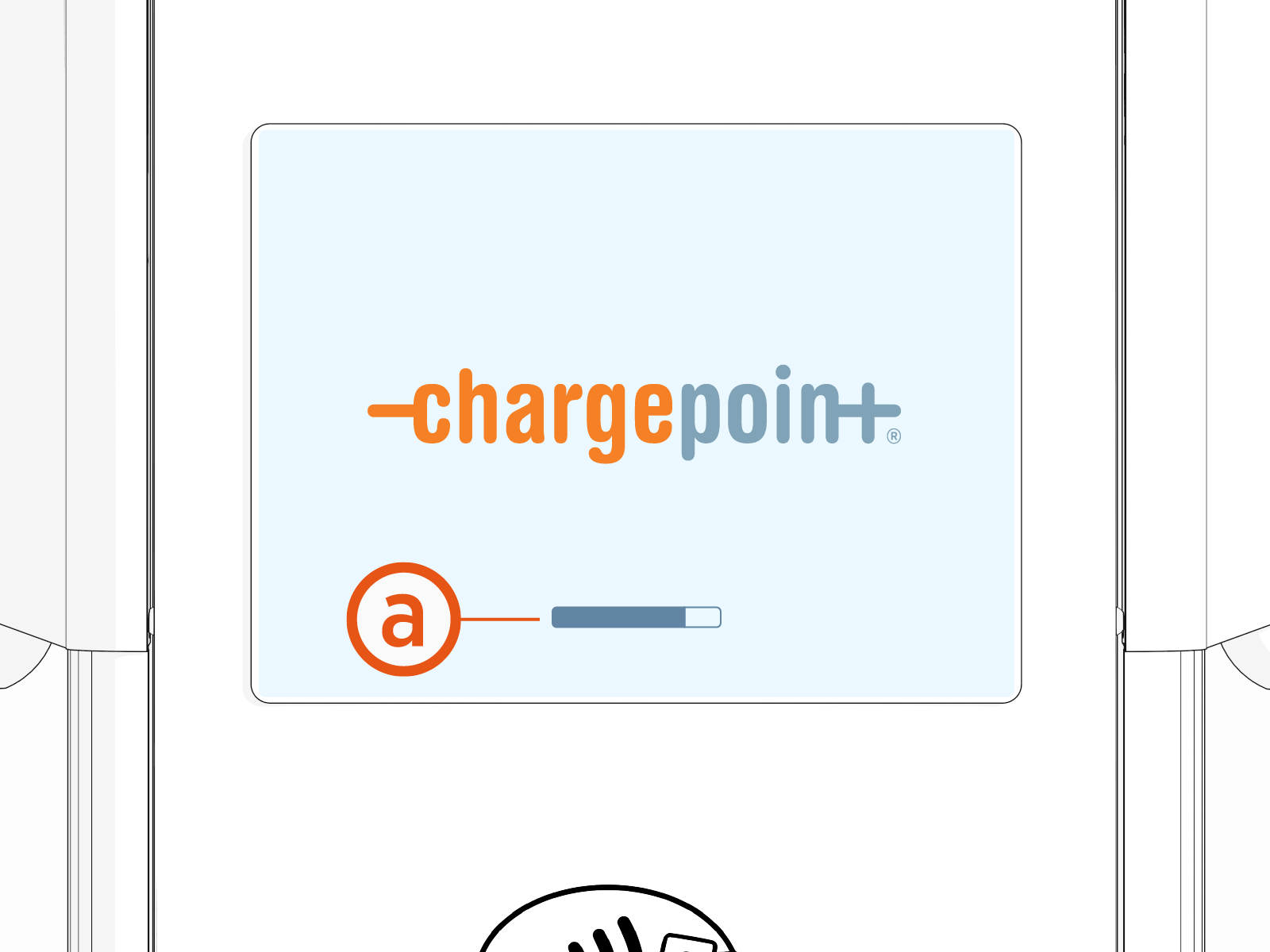
Watch the status bar (a) near the bottom of the display.
-
If the following message appears, go to chargepoint.com/support, find your region’s technical support number, and contact ChargePoint Support.