Install Head Assembly and Top Cap
Install the SIM Card
To install the head assembly and top cap, follow these instructions:
- Before placing the top cap in the head assembly, follow these region-specific SIM card handling precautions.
- See below: For U.S. installations only and For Canadian installations only.
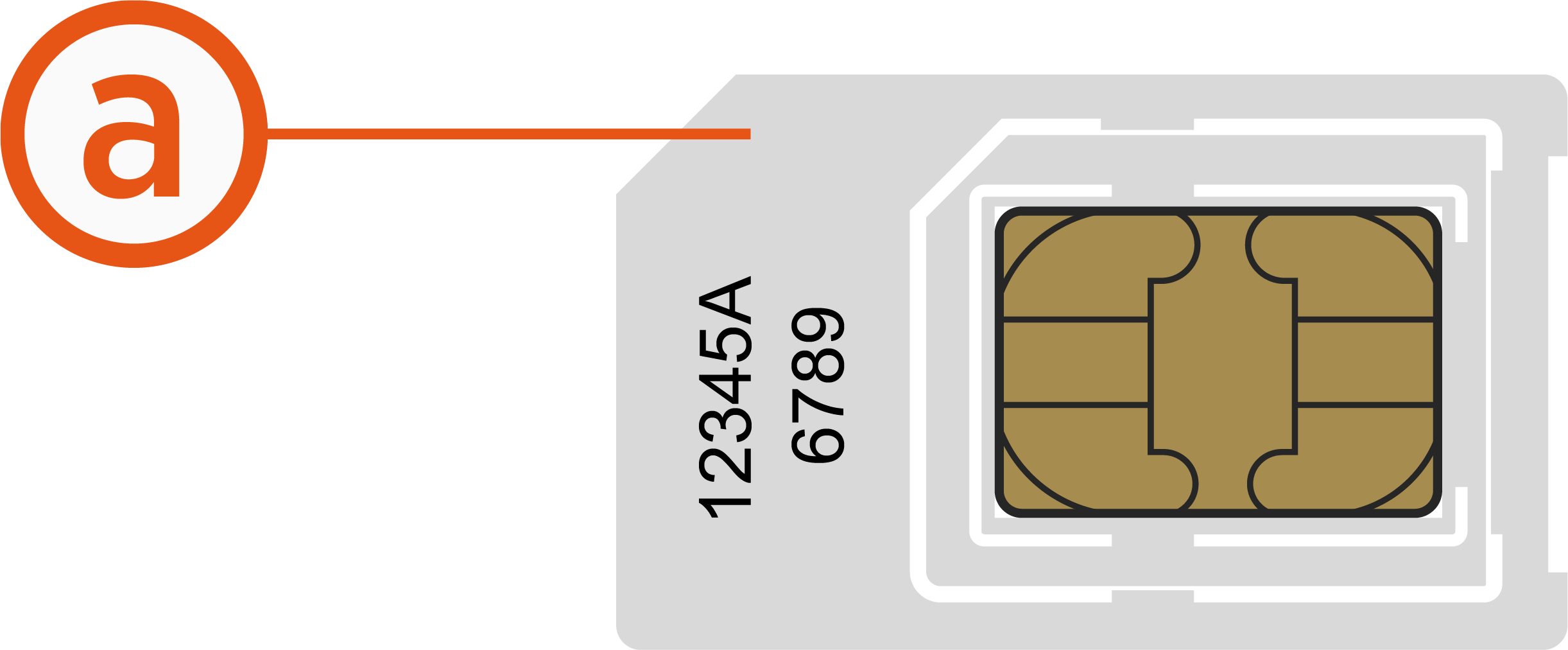
The new CT4000 includes two separate SIM cards – an embedded chip and a SIM slot that allows for swapping. This secondary SIM supports physical SIM cards and if the additional SIM card provided with the unit head is multi-punch or break-apart, as in the example below, then make sure that you punch out the size matching the SIM being replaced in the unit. CT4000 uses Mini SIM (2FF).
Figure: (a) Mini SIM (2 FF)
- For any installations taking place in the U.S.only, this additional SIM card should be disregarded and can be discarded at this point.
- Proceed to Prepare the Head Assembly for Mounting to place the top cap and prepare the head assembly.
- The additional SIM card taped to the unit head is provided to increase coverage in Canada only.
- Follow the instructions provided below to replace the pre-installed SIM card with the one taped to the station head unit.
- Figure: SIM Card Removal and Installation
-
Follow these steps:
-
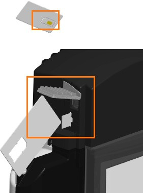
Remove the SIM card from its carrier by pushing it firmly.
-
Lift the rubber flap located on the head assembly.
-
Insert the notched edge of the SIM card into the slot with the notch facing upward. Slide it into the slot and push it fully into the slot until it clicks into place. Refer to the orientation instructions printed on the side of the head assembly.
-
Use a corner of the SIM card's carrier to push the SIM card into the slot.
-
-
Proceed to Prepare the Head Assembly for Mounting to place the top cap and prepare the head assembly.
Prepare the Head Assembly for Mounting
To prepare the head assembly for mounting, follow the steps below:
-
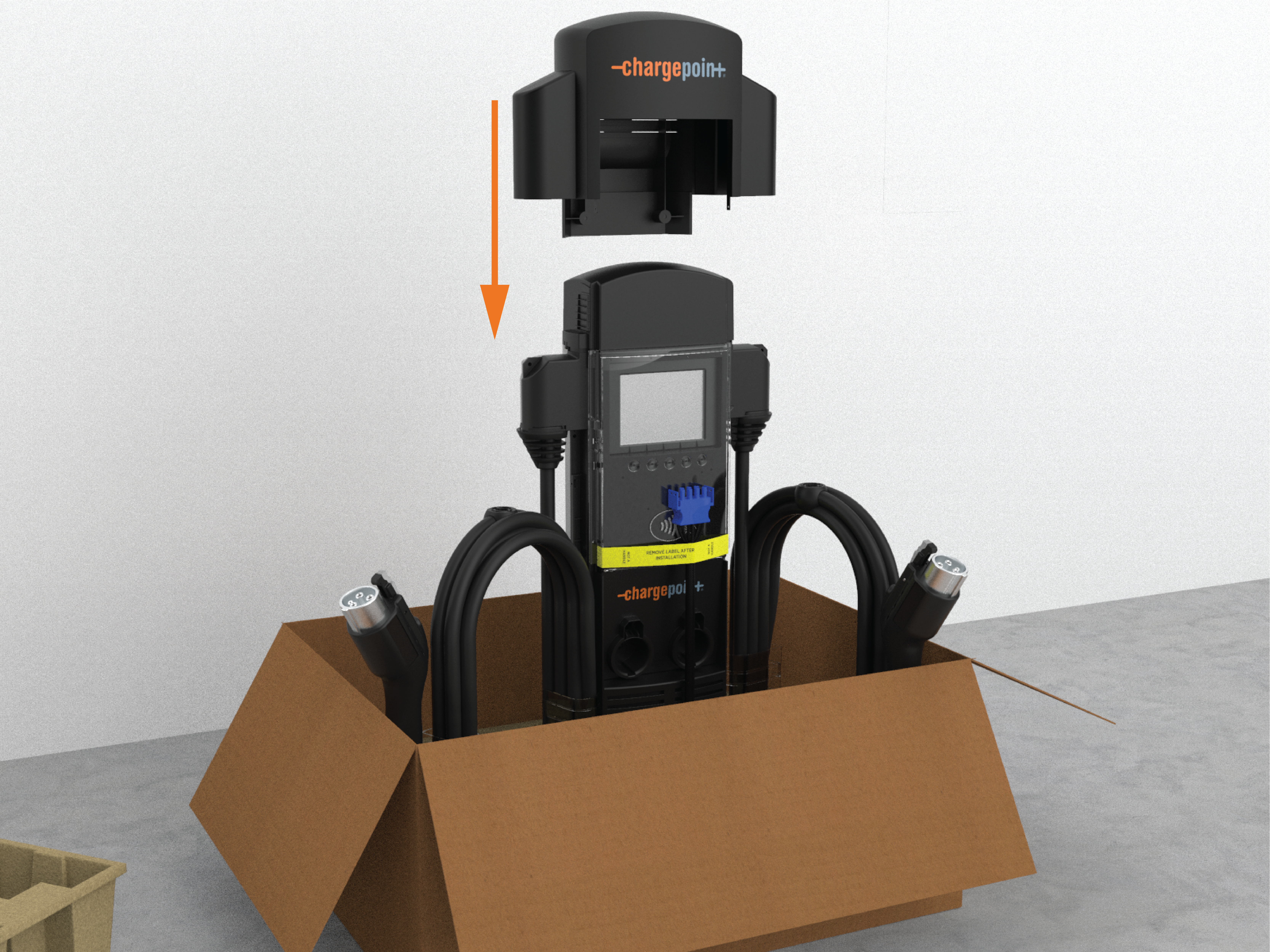
Open the box and stand the head upright on its foam packaging, as shown.
-
Place the top cap over the head assembly.
-
Slide the top cap down onto the head assembly.
-
Ensure the front tabs are aligned over the clear nodules on the lens.
-
Push down until the front tabs and rear snaps are fully seated.
-
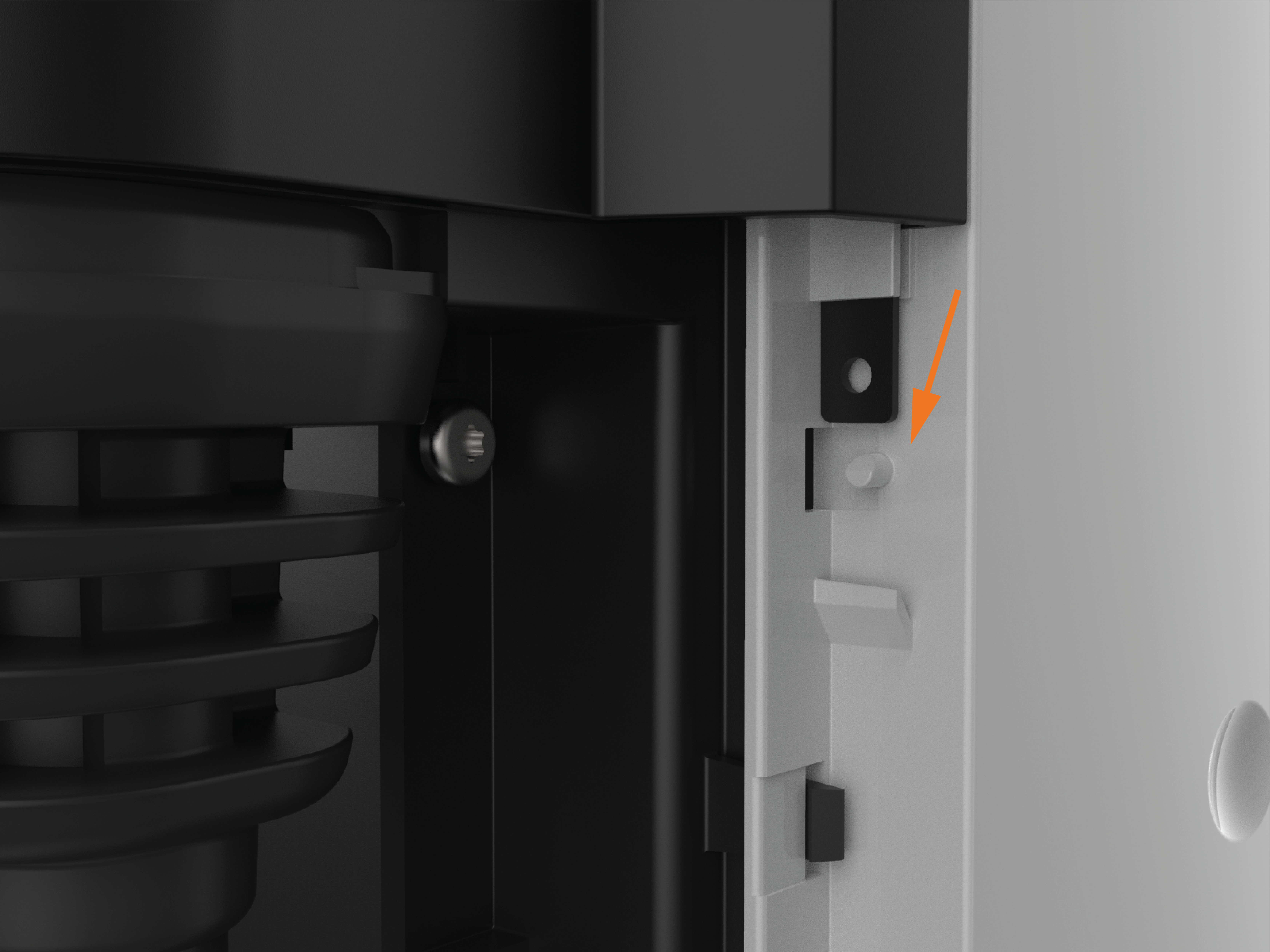
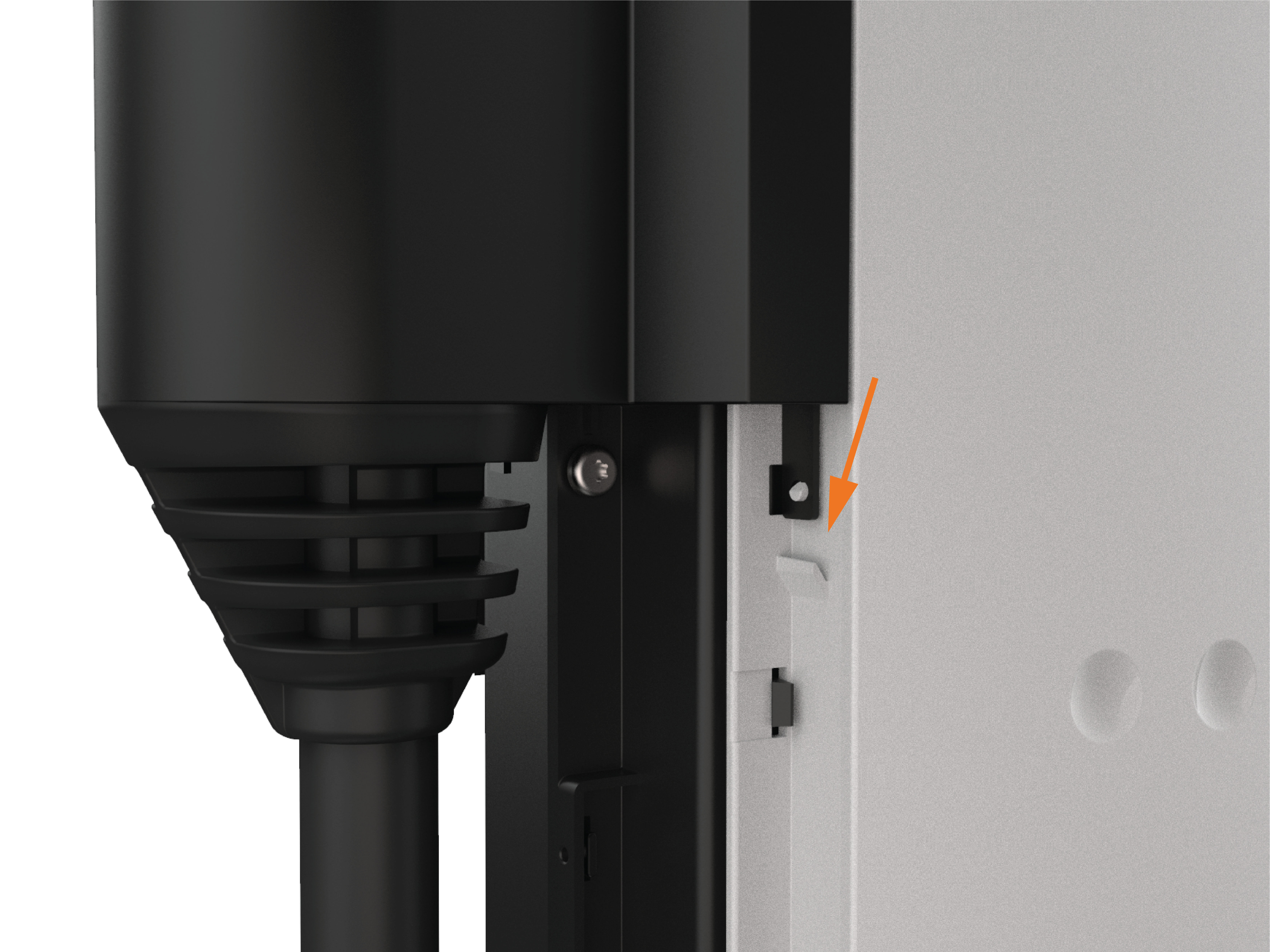
Check the lift-tabs located at the back of the top cap are pushed down to be flush with the body.
-
Verify that both snaps are fully engaged.
Connect the Head Assembly
To connect the head assembly, follow the steps below:
- The wire bundle from the head must run in front of the power plate. Do not attempt to route it behind the power plate.
- Failure to follow this warning will damage the wire bundle and cause strain on the blue power connector, resulting in a poor electrical connection and station failure.
- Damage of this nature is not covered by warranty.
-
Slide the head assembly into the housing until it is stopped by the L-wrench attached to the head.
-
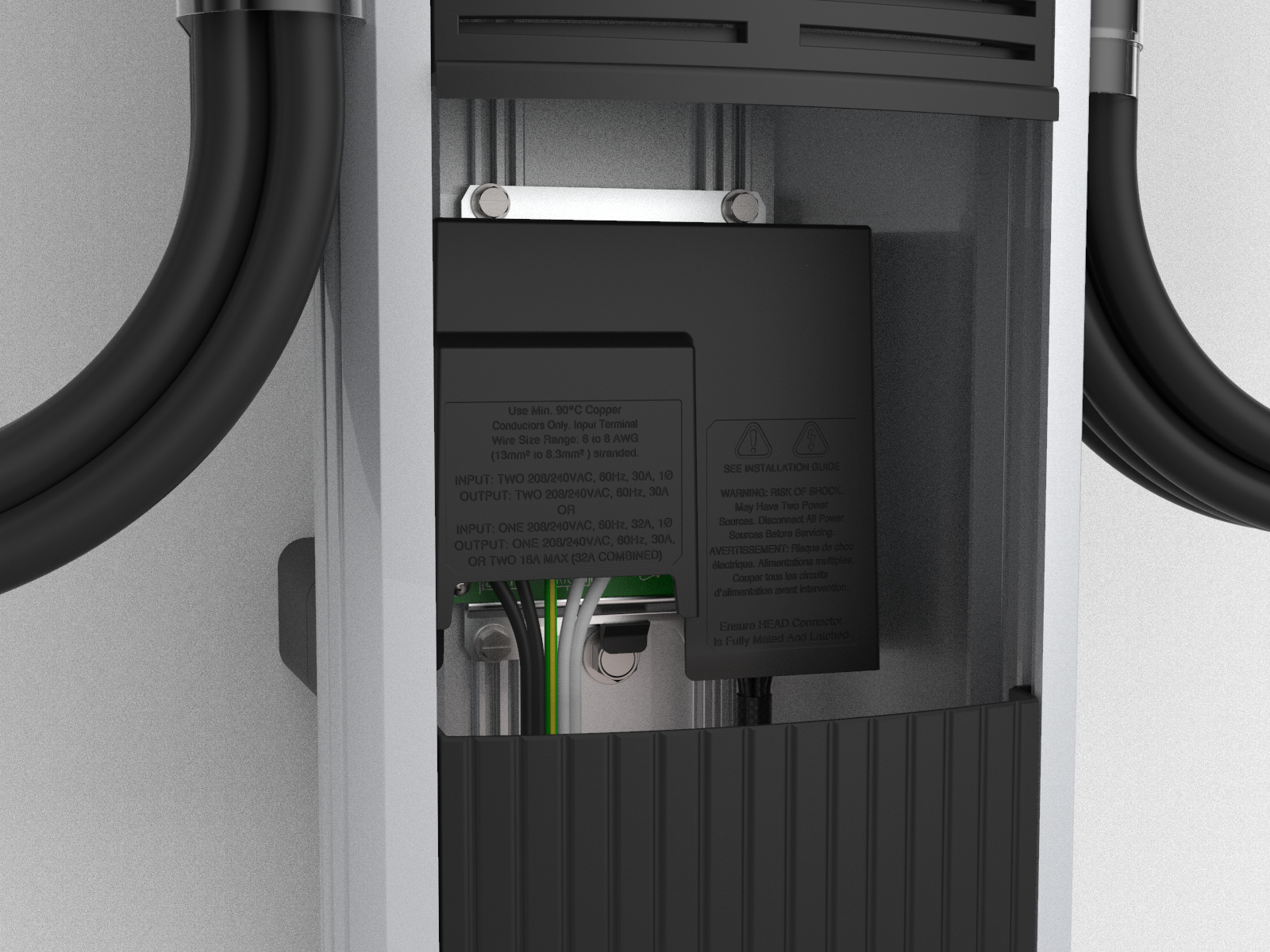
Pull to remove the yellow strap from the blue connector.
-
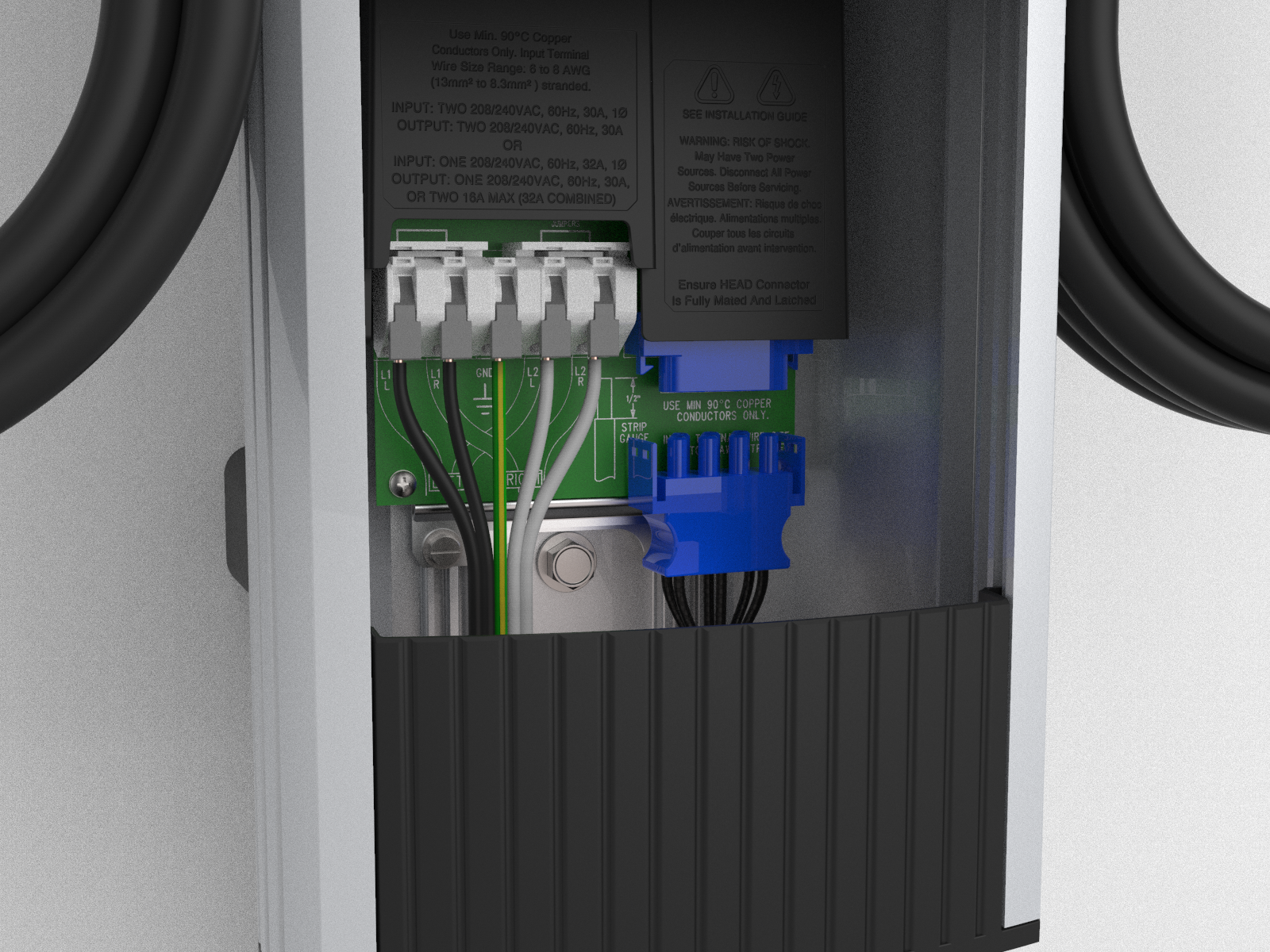
Connect the blue connector to the blue terminal block, ensuring it clicks into place and is fully seated.
-
Push the cover down over the terminal block.
