Install a Wall Mount
Mount the Brackets
Wall Mount Bracket Hole Locations
-
Select rear brackets depending on if the station will include a CMK
 Cable Management Kit.
 -
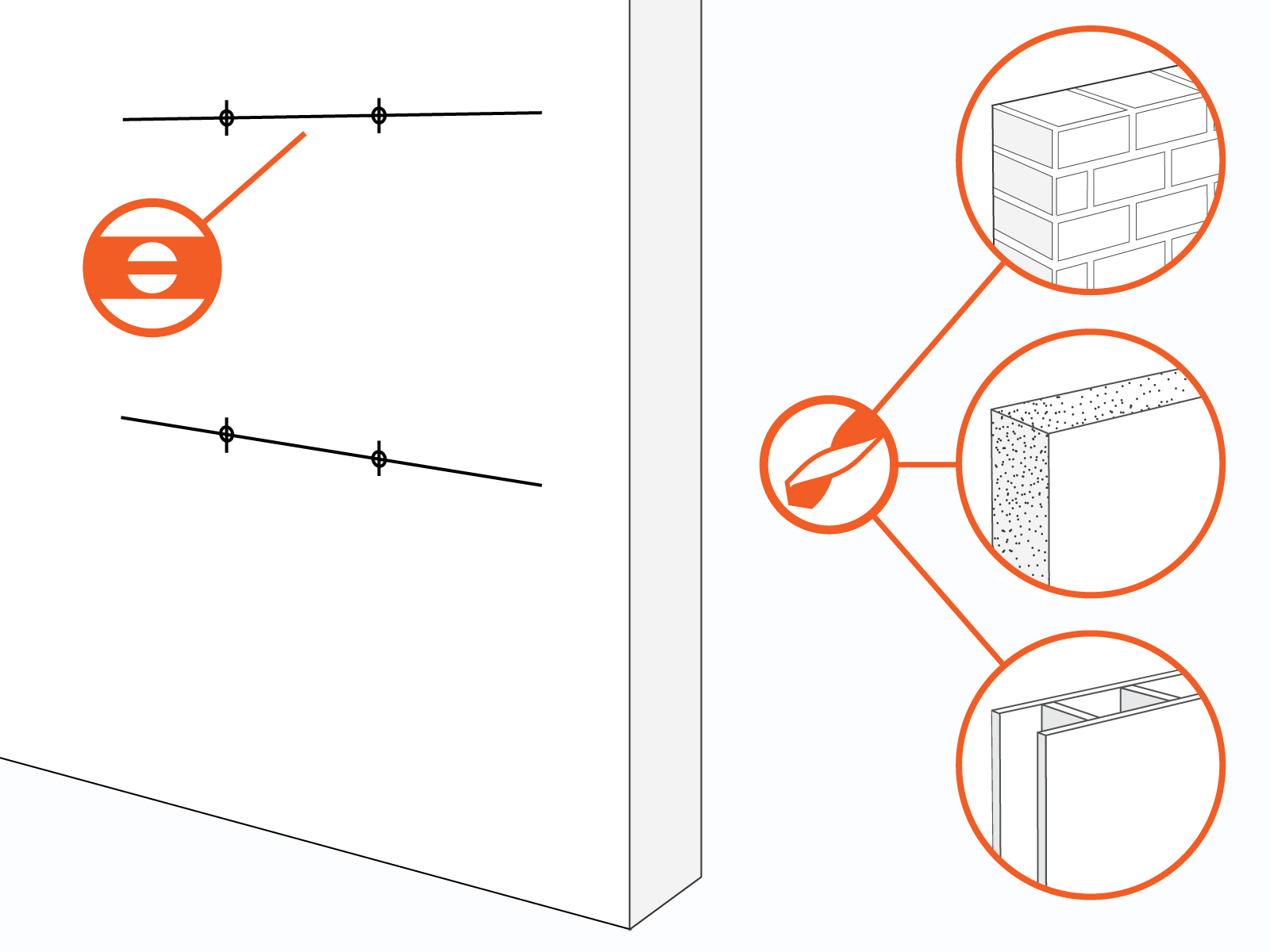
Mark holes and ensure they are level.
| Indicate Yes or No Add Comments |
|||||
|---|---|---|---|---|---|
|
|
||||
|
|
||||
|
|
||||

-
Use a drill and bit appropriate for the type of wall to drill four holes.
-
For masonry or concrete walls, insert masonry anchors (not included) rated for at least 318 kg (700 lb) of pull-out force.
| Hollow wall |
|
| Wood studs |
|
| Masonry wall |
|
| Wood wall |
|
Mount brackets and ensure they are level.

