Install the Module
Complete the following steps to install the USB Universal Serial Bus to Ethernet Module:
-
Cut the zip tie securing the USB
Universal Serial Bus-C cable to the holster frame.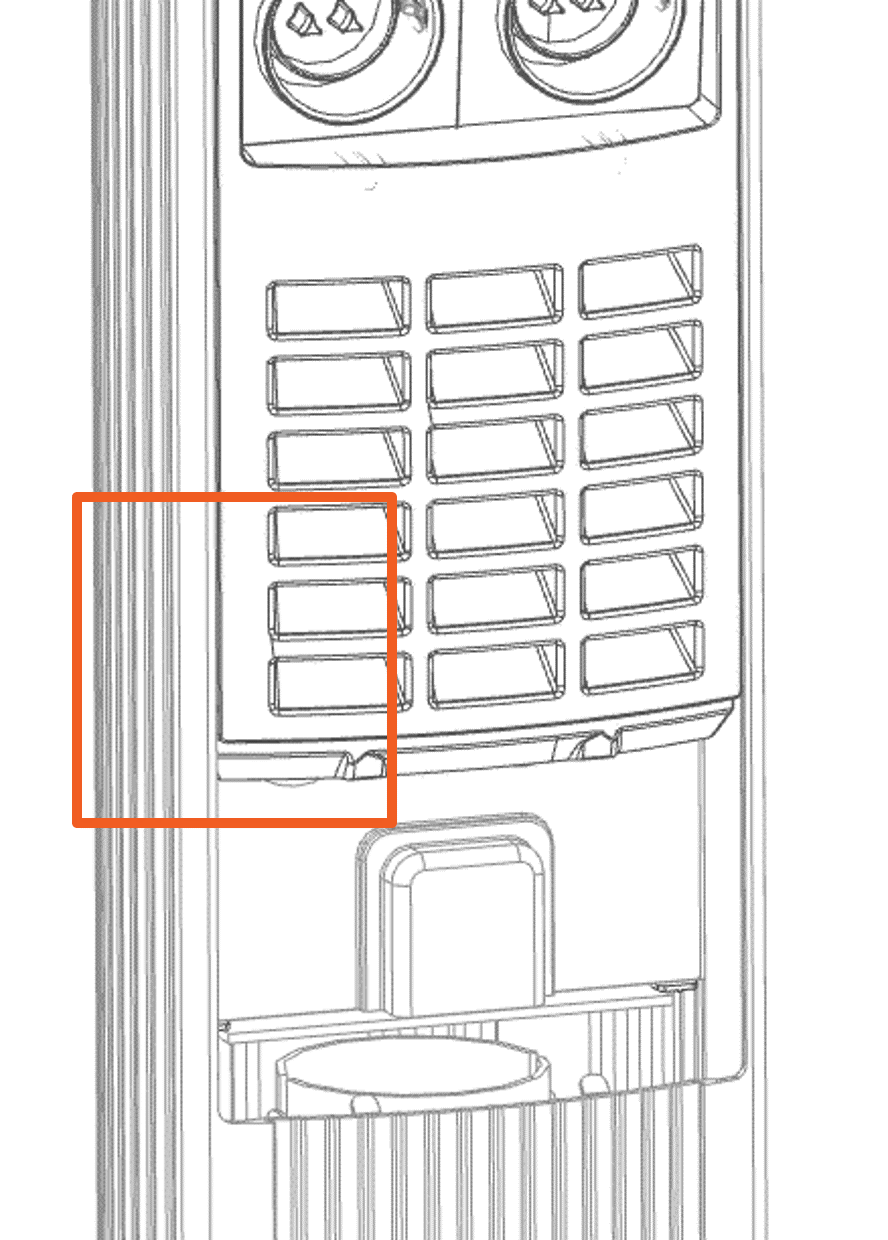

-
Remove the dust cover from the USB
Universal Serial Bus cable and discard it.
-
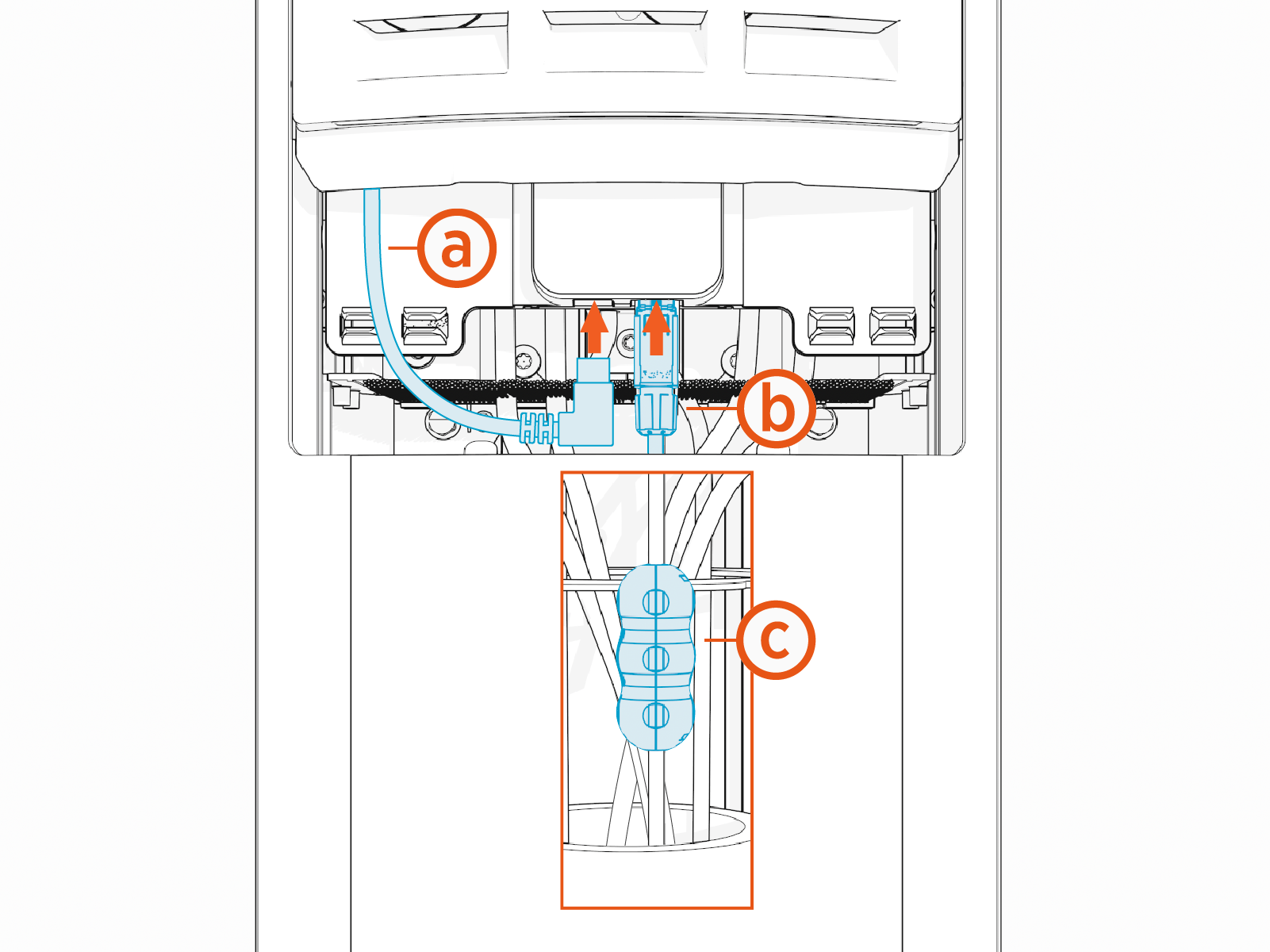
Install the cables and accessories:
(a) Connect the USB
Universal Serial Bus cable to the Ethernet Module.(b) Attach the Ethernet connector to the Ethernet cable, and then connect the Ethernet cable to the Ethernet Module.
(c) The module includes one ferrite. Ensure the ferrite is securely attached to the RJ45 Ethernet connector of the module.
-
Return to Step 8.
