Install Cable Clamps
-
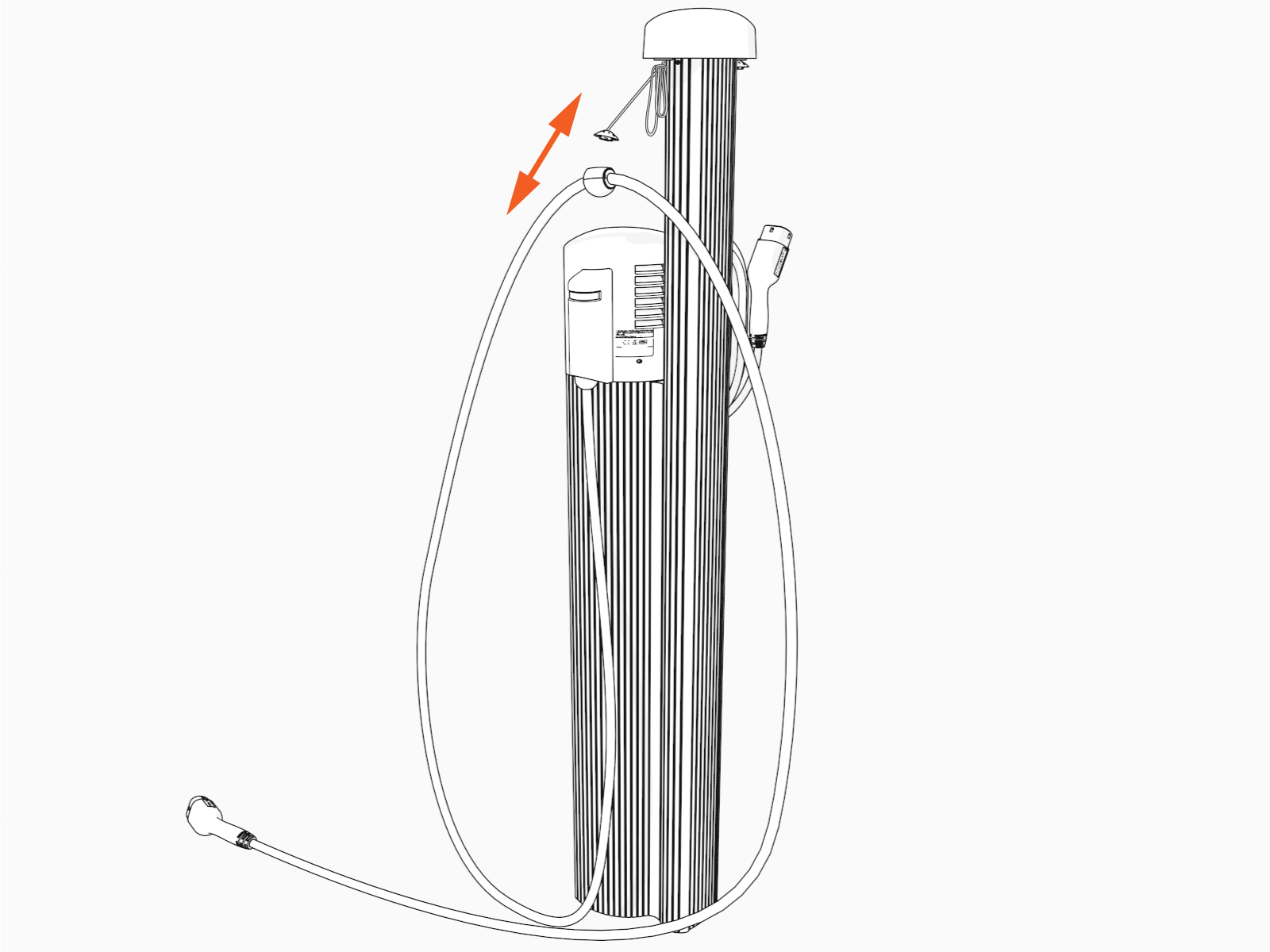
Uncoil the charging cable by gently extending it all the way out and away from the station. Rotate the plug as needed to remove any twist or kinks.

-
Position the charging cable near the base of the station.
-
Align the knot bearing on each rope to its corresponding mating feature on the cable clamp.

-
Using tool provided, push down while turning the knot bearing clockwise approximately 1/4 turn to connect the cable clamp.

-
Untie the knot near the top of the CMK
 Cable Management Kit.
-
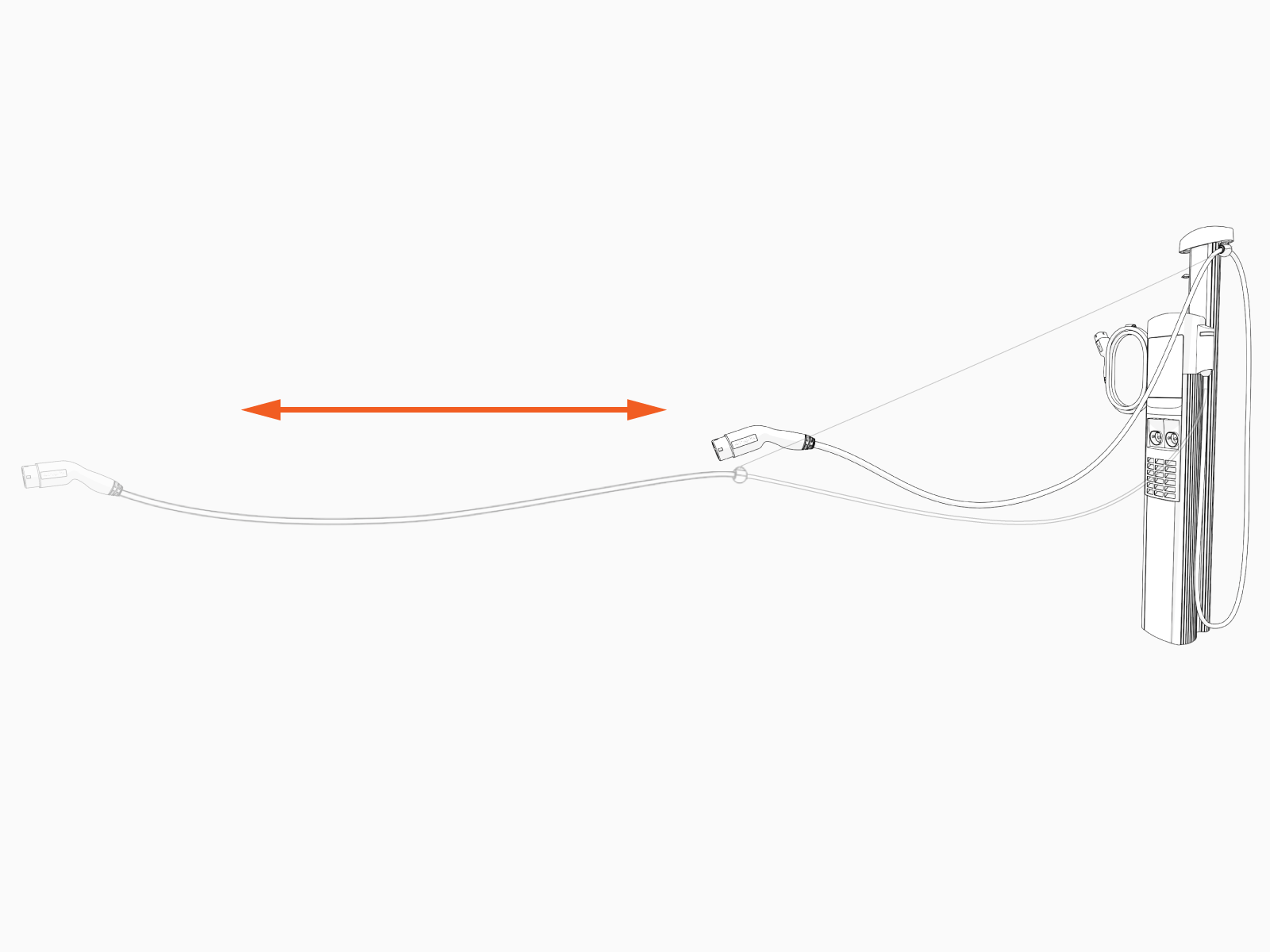
Check that the charging cable extends and retracts fully and smoothly.
-
Insert the charging cables into their corresponding holsters.

