Introduction
The ChargePoint CPF50 is a durable and powerful station that blends ease of use and reliability. With a maximum charging output of 12 kW (208/240 VAC @ 50 A) and industry-leading, ENERGY STAR® certified efficiency, it helps get vehicles back on the road quickly while reducing energy costs. The CPF50 can be mounted on a pedestal or a wall.
- If the charging station is not installed, commissioned, or serviced by a ChargePoint certified technician using a ChargePoint-approved method, it is excluded from all ChargePoint and other warranties and ChargePoint is not responsible.
- You must be a licensed electrician and complete training at https://www.chargepoint.com/partners/training-certification to become ChargePoint certified and to access ChargePoint's web-based installer tools or ChargePoint Installer app.
Follow the installation instructions and heed to all warnings.
Site Requirements
Ensure that the appropriate wiring, circuit protection, and metering is completed at the installation site by reviewing the Site Design Guide, Datasheet, wiring diagrams and grounding requirements in Install the Station and Charging Cable.
ChargePoint Gateway Requirements
The CPF50 charging station has its own cellular connection. Earlier models of CPF50 require that the ChargePoint Gateway is installed for cellular connectivity. To determine whether the CPF50 model has its own cellular connectivity, look for the label at the bottom of the station, which indicates the model name. A model name with CPF50-K will have a cellular modem, while a model name with CPF50 will require the ChargePoint Gateway for cellular connection. If the ChargePoint Gateway is required, each CPF50 must be installed within 45 m (150 ft) of the Gateway within line of sight.
Power Management
Using ChargePoint Power Management technology, sites can install more stations than otherwise would be supported by the available electrical service. A maximum aggregate load is defined for a group of charging stations, and ChargePoint cloud-based services manage the individual power output of each station (or port) to ensure the maximum load is never exceeded.
As shipped, a CPF50 charging station provides up to 50 A of output current to each charging station.
Additional information regarding Power Management for your charging stations is available at ChargePoint Product Reference Documentation.
Required Tools and Materials
-
Bubble level
-
#2 Phillips screwdriver
-
#3 Phillips screwdriver
-
Wire stripper
-
Voltage tester
-
T10 Security Torx driver
-
Gloves
For Wall Mount Installations
-
Drill
-
Drill bit suitable for the type of wall material
-
21 mm (3/4 inch trade size) conduit and fittings
-
3/8 inch hex driver
-
On a wood stud only: Stud finder
-
On a wood stud only: Nut setter
-
On masonry or concrete: 6 mm (1/4 inch) internally threaded masonry anchors and screws rated for at least 318 kg (700 lb) pull-out force
For Pedestal Mount Installation
-
Ratchet with 3/8 inch and 7/16 inch sockets
-
1/2 inch drive torque wrench, rated for at east 122 Nm (90 ft-lbs)
-
1 -1/16 inch 6-point deep socket
-
Adjustable wrench
Overview of the Installation Process
-
Check for the correct number of shipping boxes for your configuration.
-
Check the contents of each shipping box.
-
Proceed to the appropriate topic for your configuration:
-
Proceed to Install the Station and Charging Cable to mount the station and connect the service wiring.
Check for the Correct Shipping Boxes
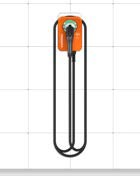
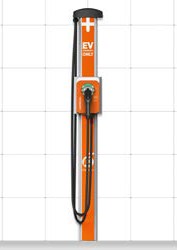
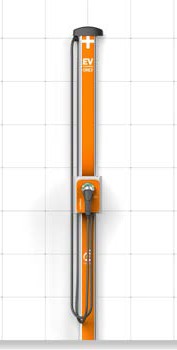
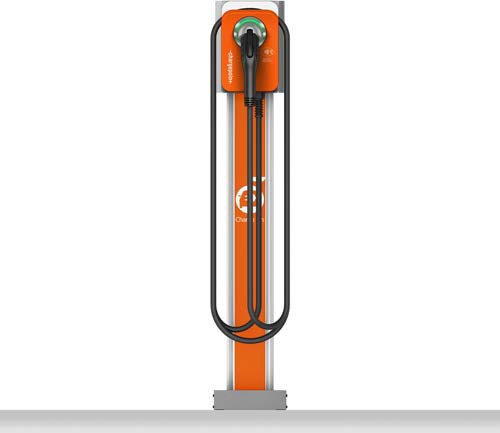
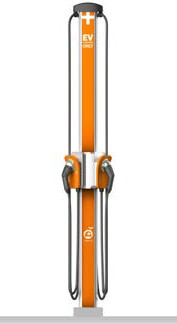
The CPF50 includes nine possible configurations. Verify the number of boxes expected for your configuration. Open the Main Unit box first to access this guide.
|
Configuration |
Box List |
Completed Installation |
|---|---|---|
|
Wall Mount |
|
|
|
Wall Mount with CMK6 |
|
|
|
Configuration |
Box List |
Completed Installation |
|---|---|---|
|
Wall Mount with CMK8 |
|
|
|
Pedestal Mount Single |
|
|
|
Pedestal Mount Dual |
|
|
|
Pedestal Mount Single with CMK6 |
|
|
|
Pedestal Mount Dual with CMK6 |
|
|
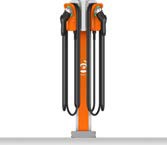
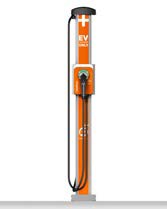
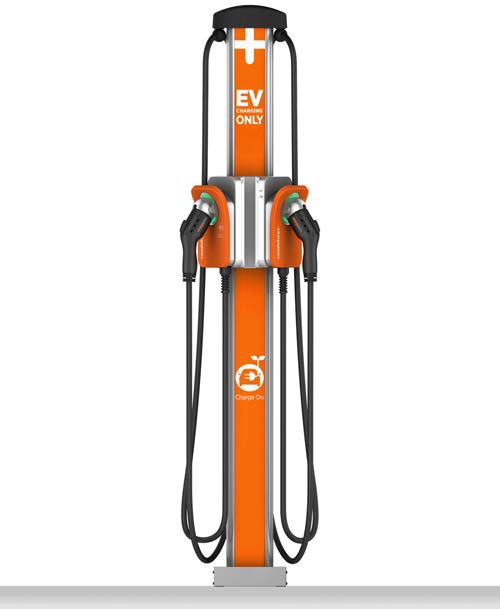
|
Configuration |
Box List |
Completed Installation |
|---|---|---|
|
Pedestal Mount Single with CMK8 |
|
|
|
Pedestal Mount Dual with CMK8 |
|
|
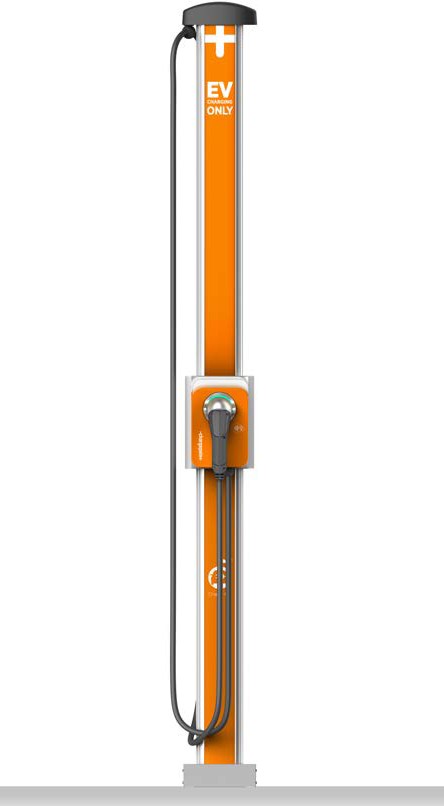
Check the Contents of Each Box
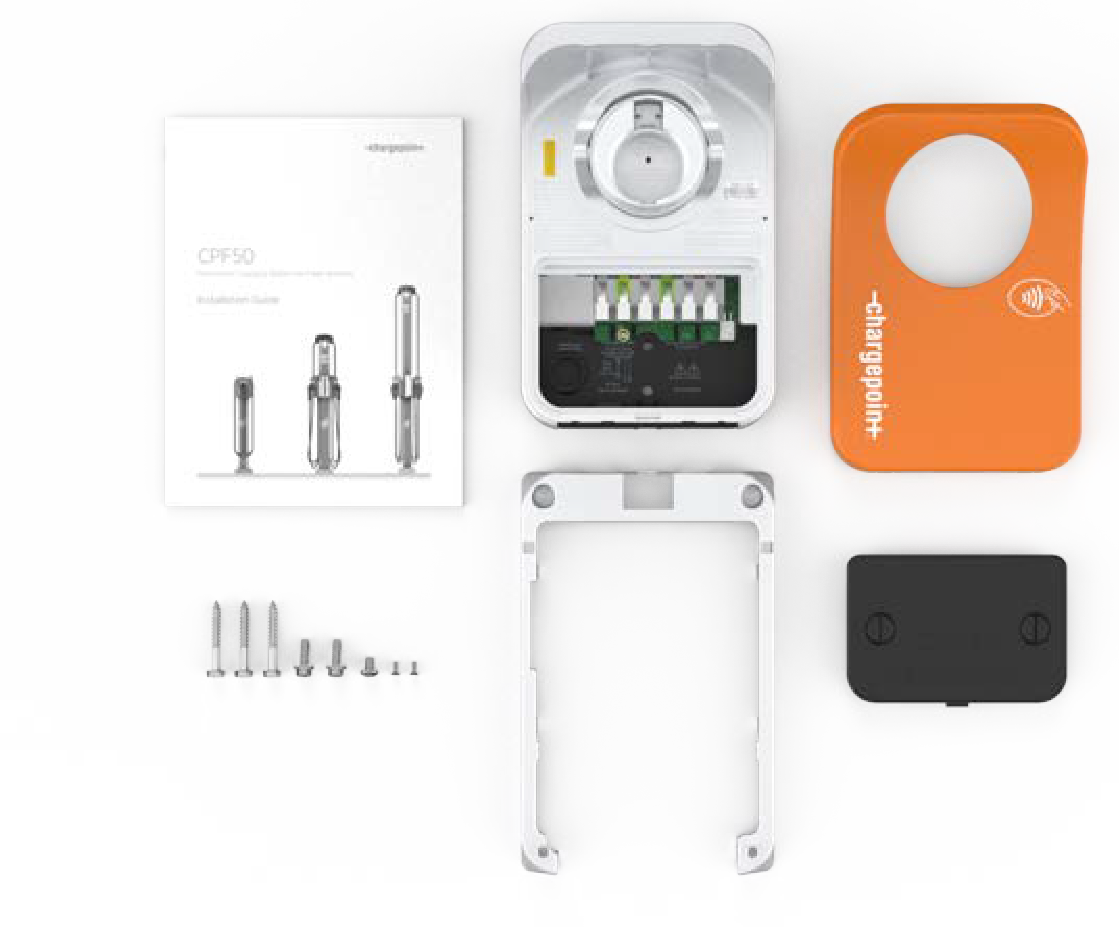
Listed below are the items available in each box:
-
Installation Guide
-
Rating label sheet (inside guide)
-
Wall mounting template (inside guide)
-
Charging station
-
Faceplate
-
Mounting skirt
-
Wire cover
-
1/4 x 2 inch lag screws (3)
-
1/4-20 x 3/8 inch Phillips screw
-
1/4-20 x 3/4 inch hex bolts (2)
-
6-32 x 3/8 T10 Torx screws (2)
-
Spare activation label (A duplicate label is attached to the front of the charging station. Keep this spare label. It contains important information needed to activate the station on the ChargePoint network.)
-
Charging cable
About the Charging Cable
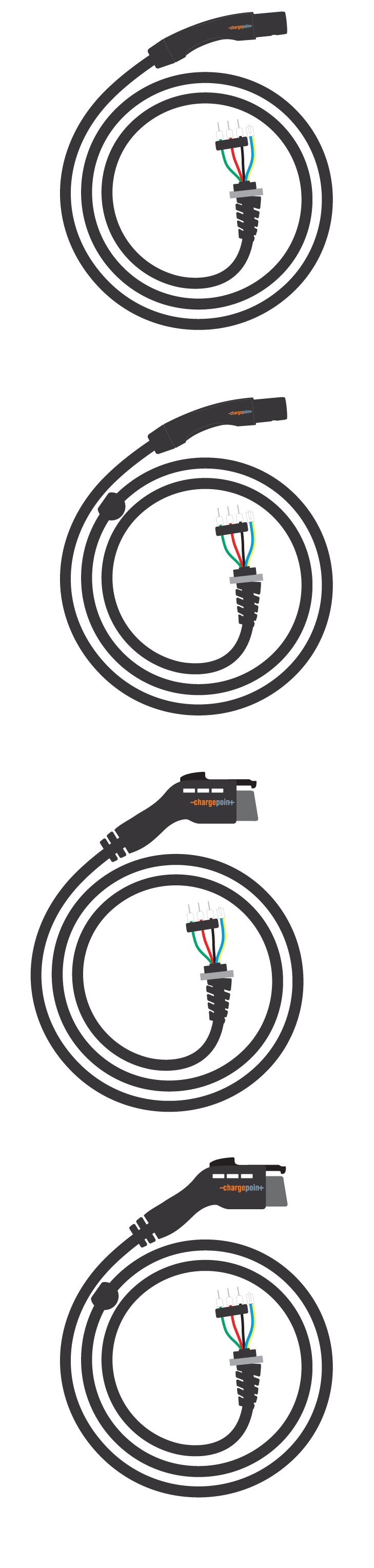
Charging cables (J1772 or NACS North American Charging Standard) come in two lengths: 5.5 m (18 ft) or 7 m (23 ft). Verify the length. If you ordered a CMK Cable Management Kit, ensure that the charging cable matches the length of the CMK Cable Management Kit. The charging cables for use with CMK Cable Management Kit have a cable clamp (a) pre-installed on the charging cable.
Pedestal
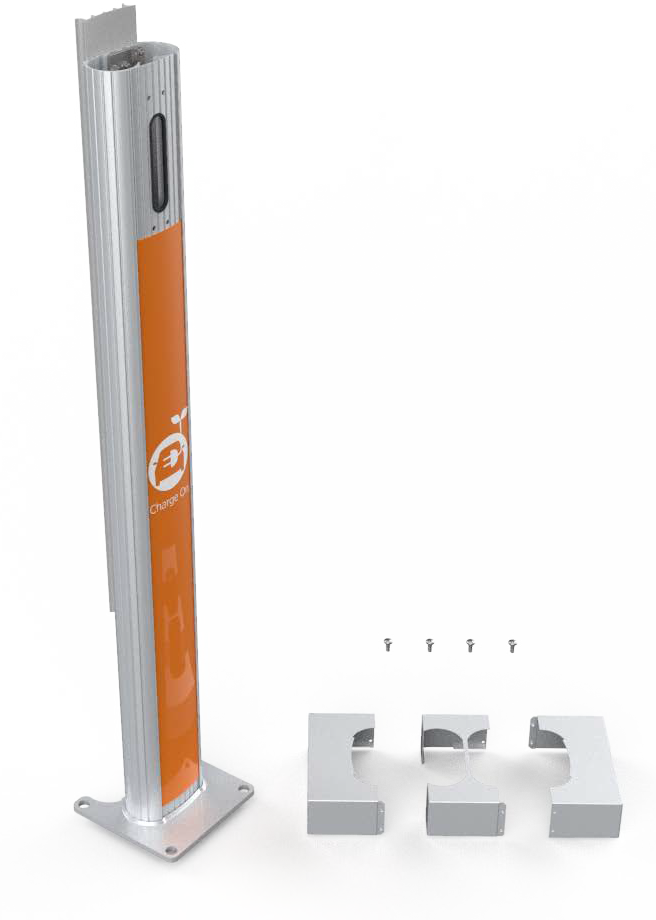
The pedestal box contains:
-
Main body
-
Pedestal covers (3)*
-
Front (a)
-
Back with CMK
Cable Management Kit (b) -
Back without CMK
Cable Management Kit (c)
-
-
Pedestal CMK
Cable Management Kit spacer (attached to the rear of the main body) -
8-32 x 3/8 inch screws (4)
-
Charging station sign (attached to the front of the main body)
Determine which back cover you need for your installation. Discard the remaining back cover.
To prepare the installation site for installing a pedestal mount charging station, you also need the contents of the Pedestal Mount Kit. This ships separately and should already be installed prior to unboxing and installing the CPF50 charging station to allow for concrete or epoxy cure times. For additional information about site preparation, please see the CPF50 Site Design Guide.
Cable Management Kit (CMK)
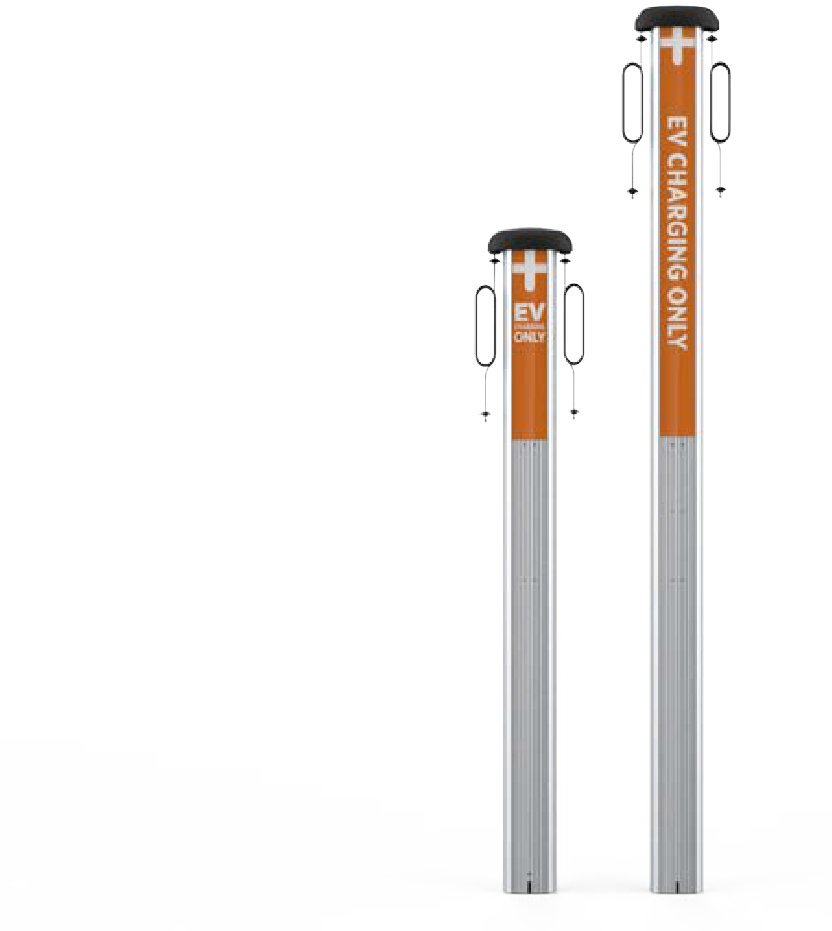
The CMK Cable Management Kit comes in two sizes: CMK6 or CMK8.
-
The CMK6 works with a 5.5 m (18 ft) charging cable.
-
The CMK8 works with a 7 m (23 ft) charging cable.
The CMK
Cable Management Kit includes: -
Cable Management assembly with pre-installed EV
Electric Vehicle Charging Only sign and attached knot bearings -
Cable clamps (2 extra sets)
The cable clamps are pre-installed on the charging cable and these extra sets will not be used when installing the CPF50.
Mounting Kit
There are five possible mounting kits. Ensure that the item you received matches your product configuration. Each mounting bracket is unique to the configuration.
Wall Mount Kit for CMK Cable Management Kit Systems
-
Back bracket
-
Front bracket
-
1/4-20 x 3/4 inch hex screws (4)
-
8-32 x 3/8 inch screws (6)
-
Lock washers (6)
-
Lower CMK
Cable Management Kit 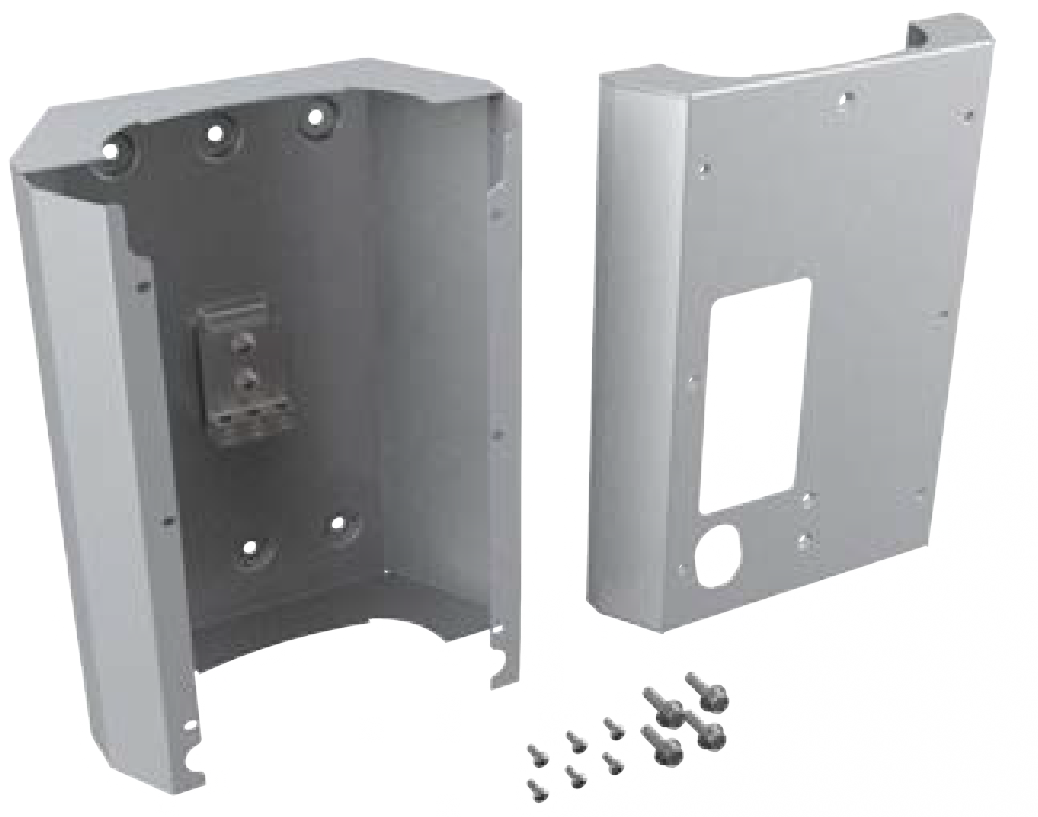
Single Station Pedestal (Without CMK Cable Management Kit) Mount Kit
-
Bracket
-
10-32 x 4 inch screws (4)
-
Lock washers (4)
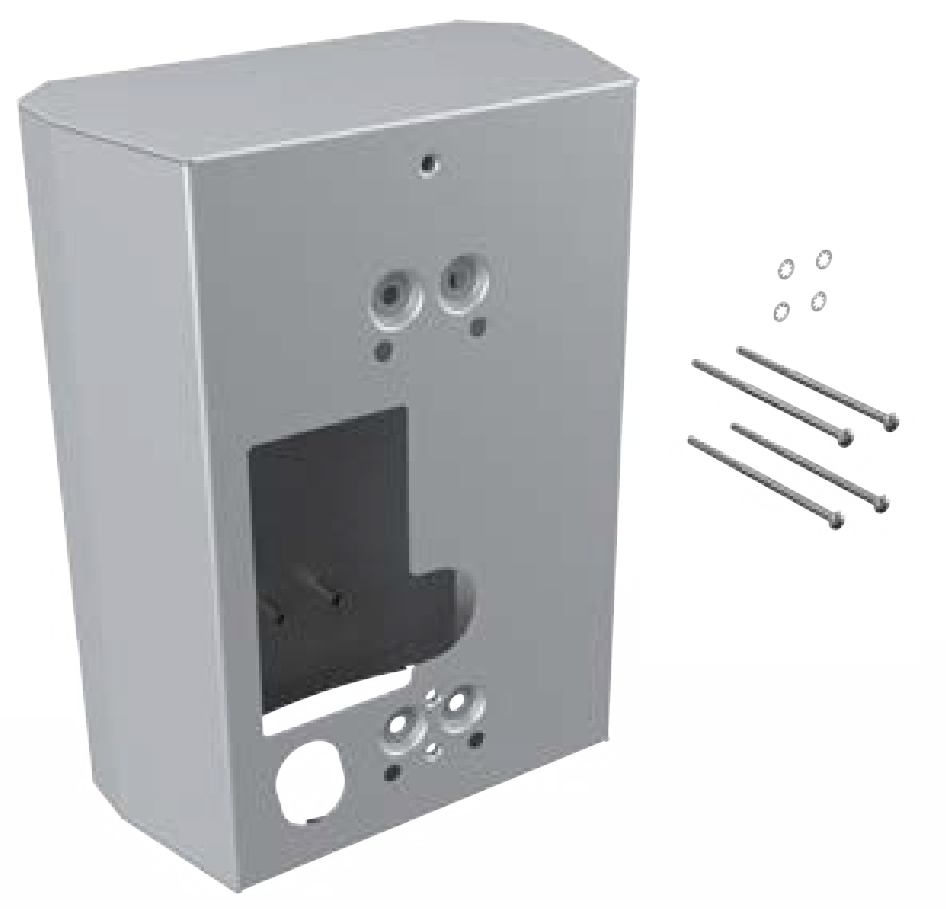
Single Station Pedestal With CMK Cable Management Kit Mount Kit
-
Bracket
-
1/4-20 x 4 inch screws (4)
-
Lock washers (4)
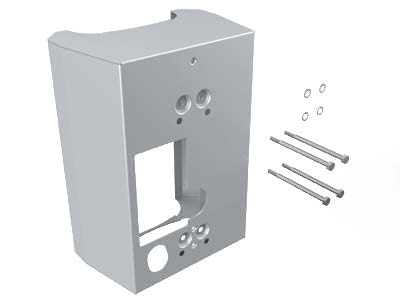
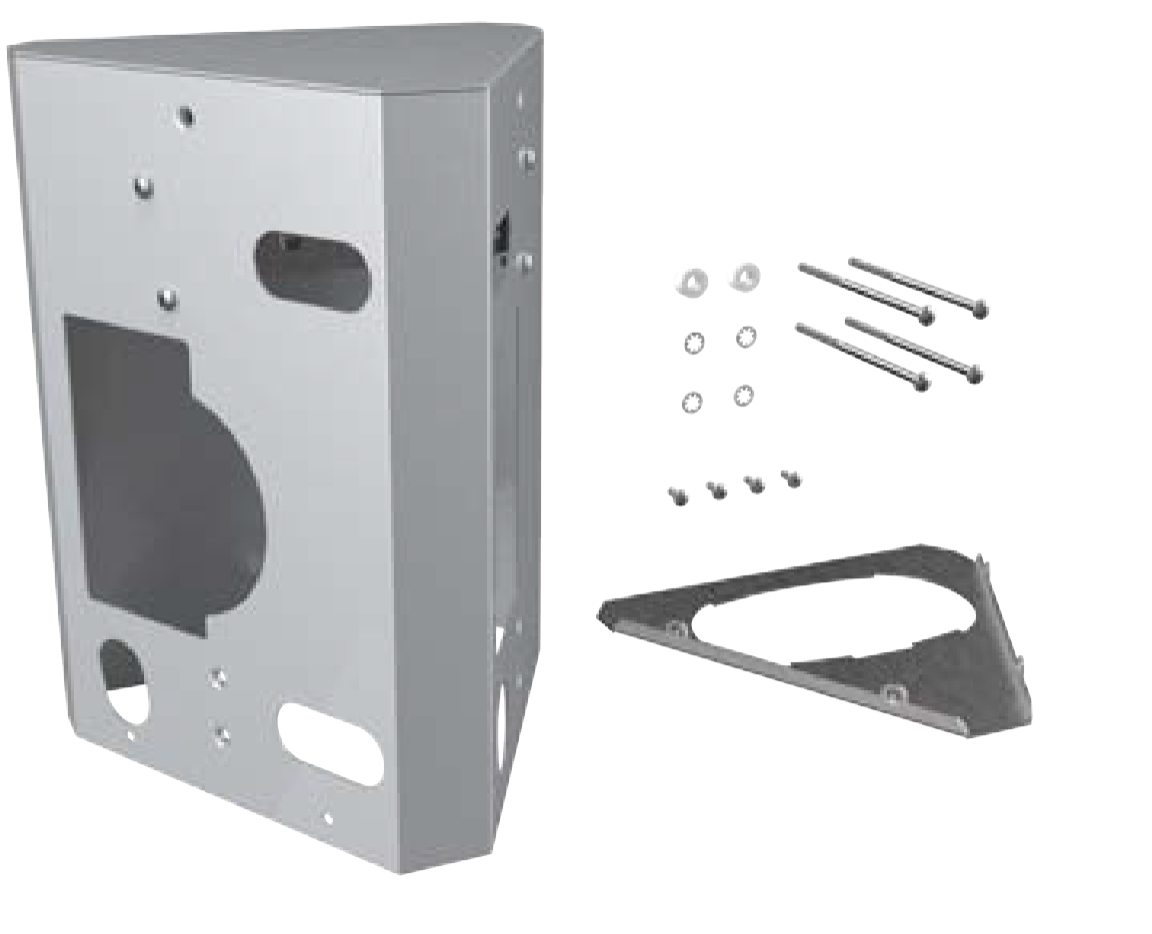
Dual Station (Without CMK Cable Management Kit) Mount Kit
-
Bracket
-
Bottom bracket cover
-
Internal bracket (installed inside bracket)
-
10-32 x 4 inch screws (4)
-
8-32 x 3/8 inch screws (4)
-
Nylon spacers (2)
-
Lock washers (4)
Dual Station With CMK Cable Management Kit Mount Kit
-
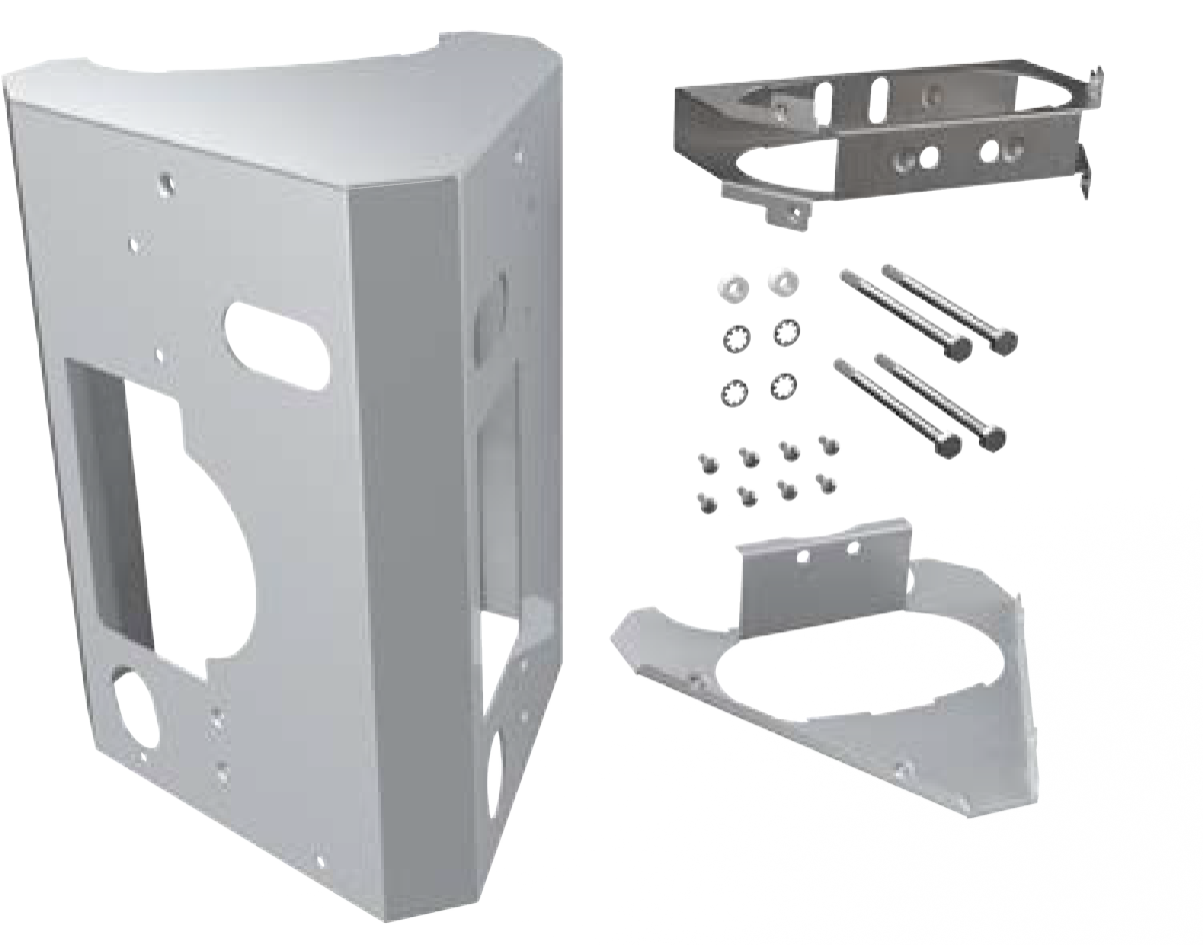
Bracket
-
Top internal brace
-
Bottom internal brace
-
1/4-20 x 4 inch screws (4)
-
8-32 x 3/8 inch screws (8)
-
Nylon spacers (2)
-
Lock washers (4)
Select Your Configuration
Once you have confirmed that you have the correct boxes and all contents for the charging station(s) you are installing, proceed to the next applicable section based on your configuration:
