Mount a Dual Station Bracket (Without a CMK)
To mount a dual station bracket without a CMK Cable Management Kit, follow these steps:
-
Slide the bottom bracket cover (a) over the pedestal and guide it gently to the bottom.
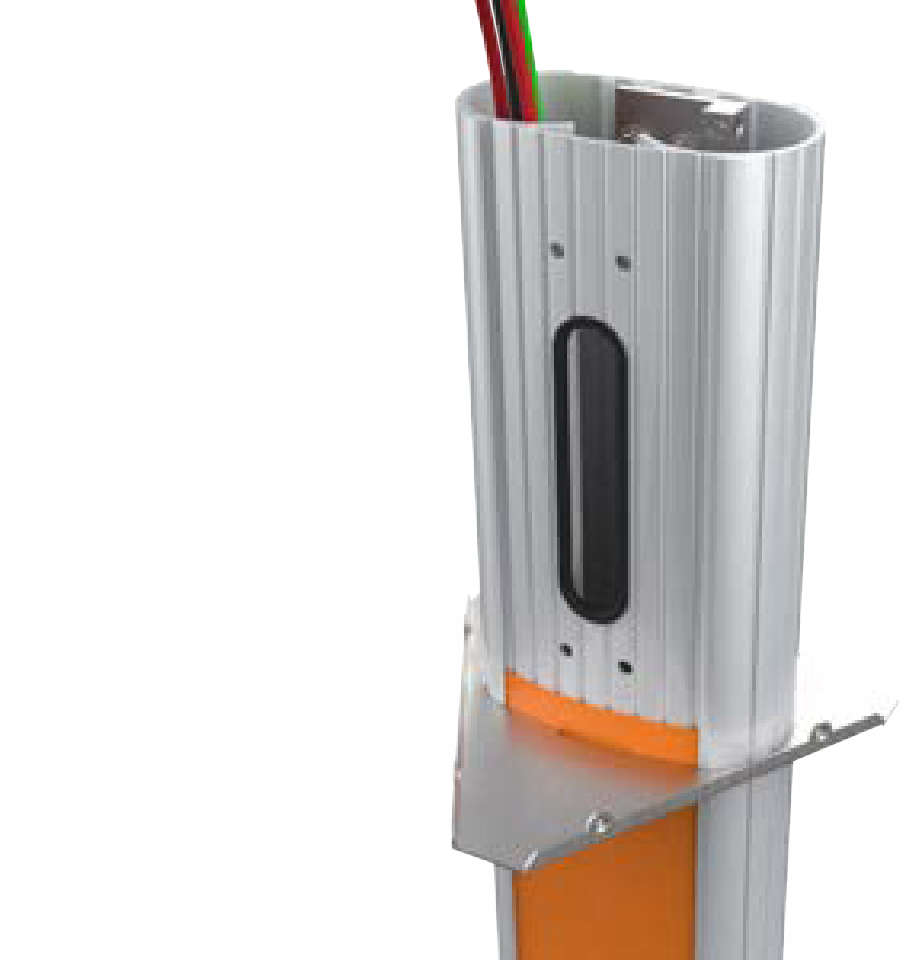
-
Use a 7/16 inch wrench and remove the ground lug from the pedestal. Save the screws to reinstall later.
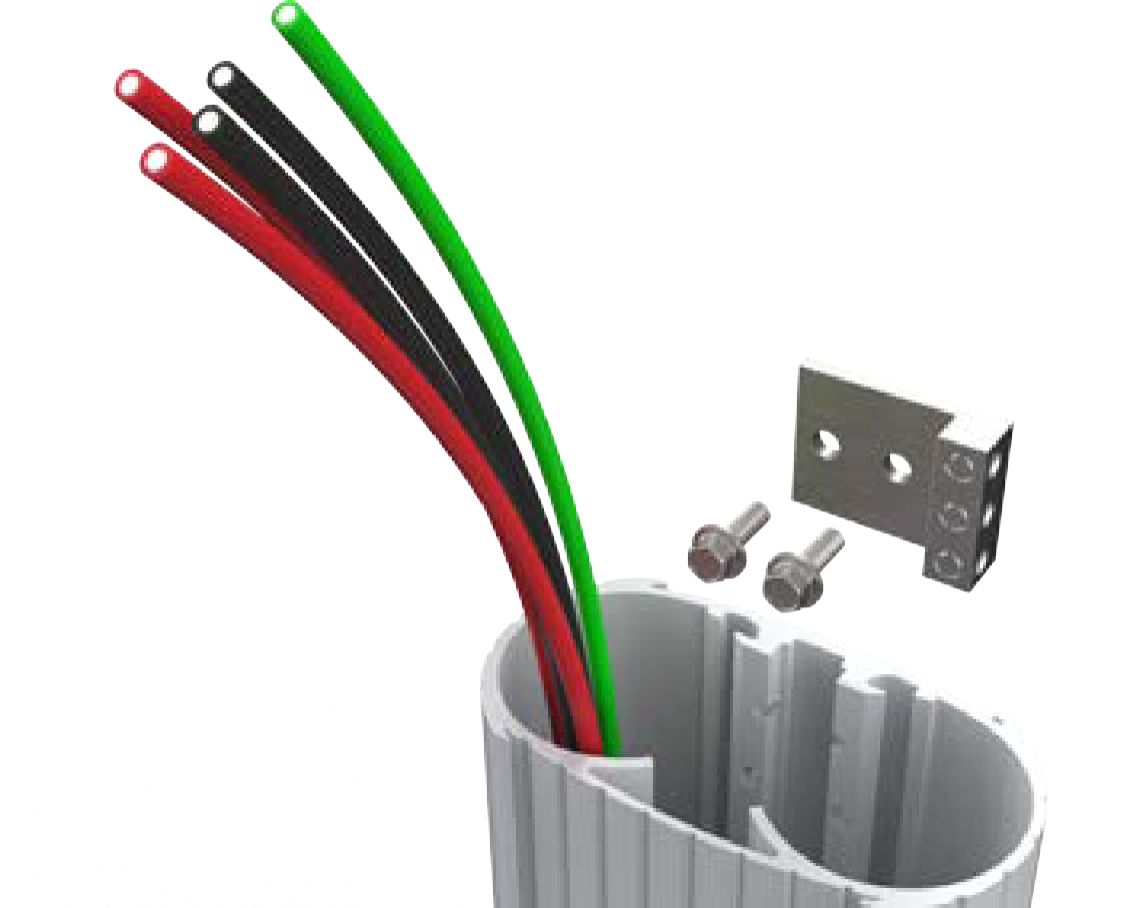
-
Connect the ground wire from the service wiring to the ground lug.
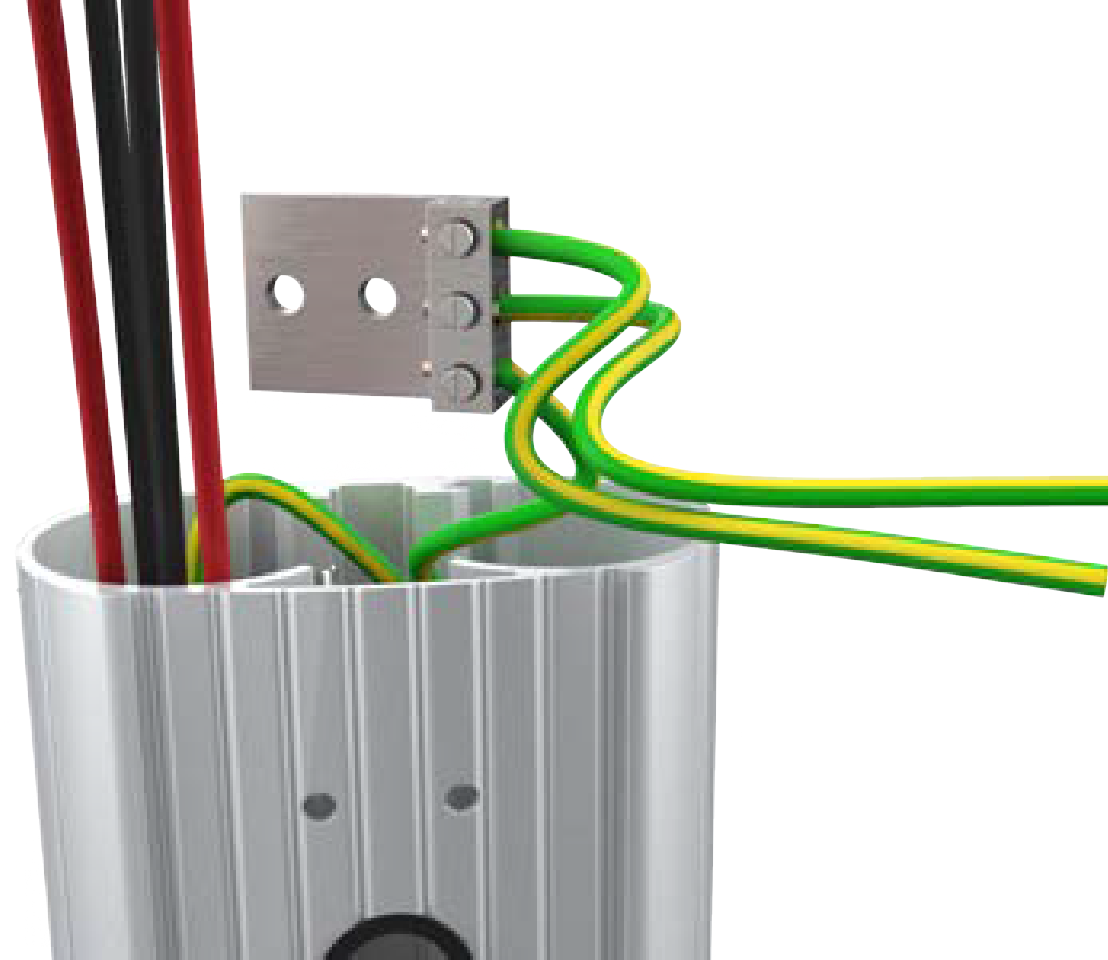
-
Run the ground wires from the ground lug through the wiring opening at the front of the pedestal.
-
Use the 7/16 inch wrench and re-install the ground lug to the pedestal with the two screws you removed.
-
Route the remaining service wiring through the opening at the front of the pedestal.
-
Slide the bracket over the pedestal.
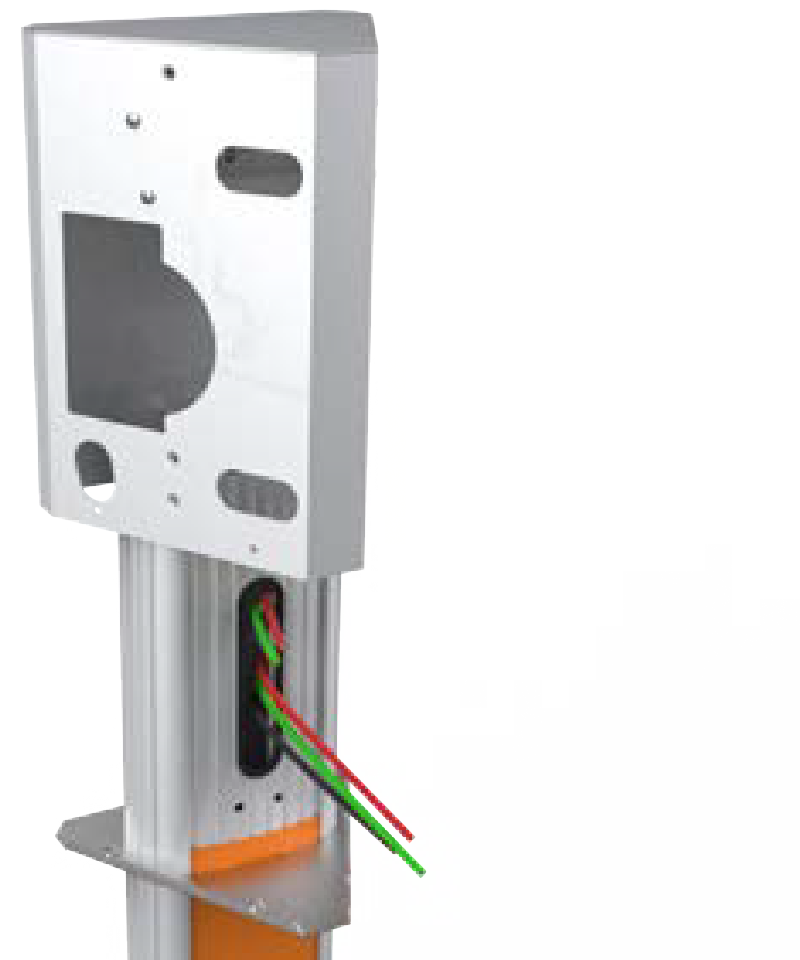
-
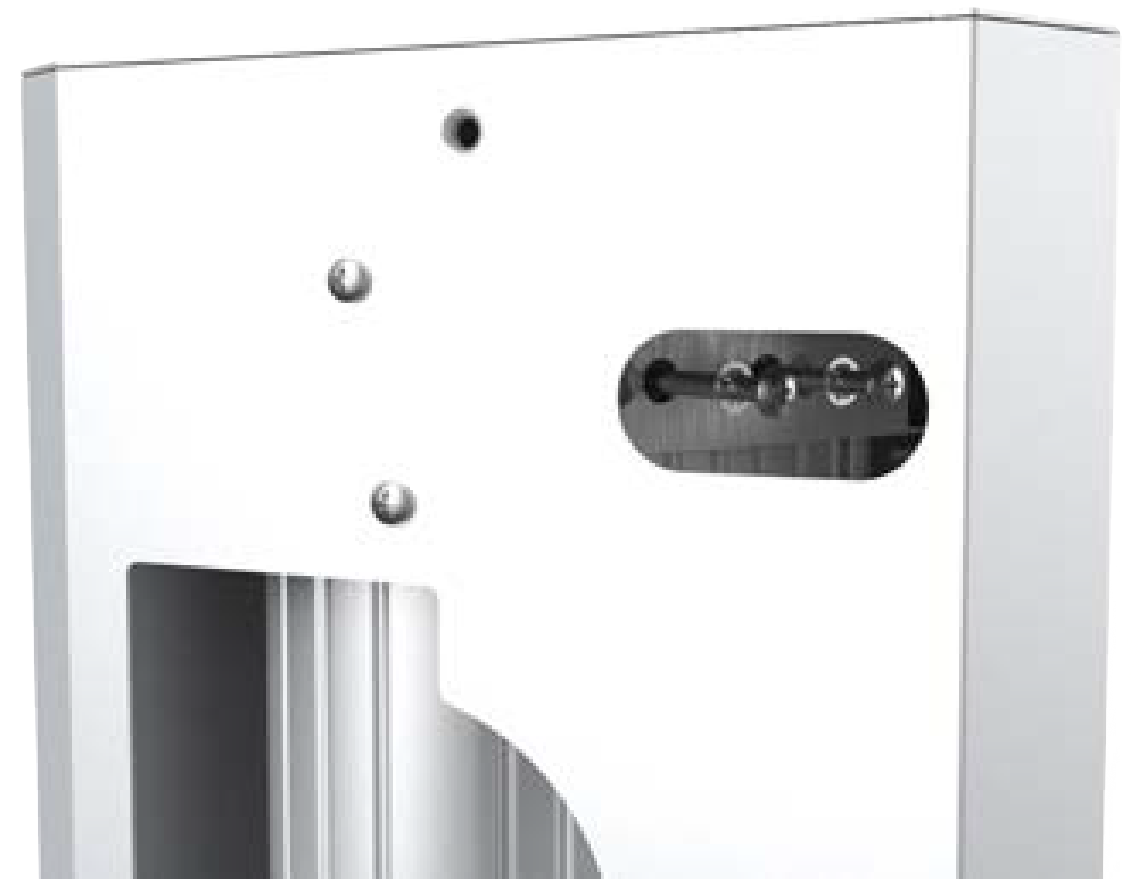
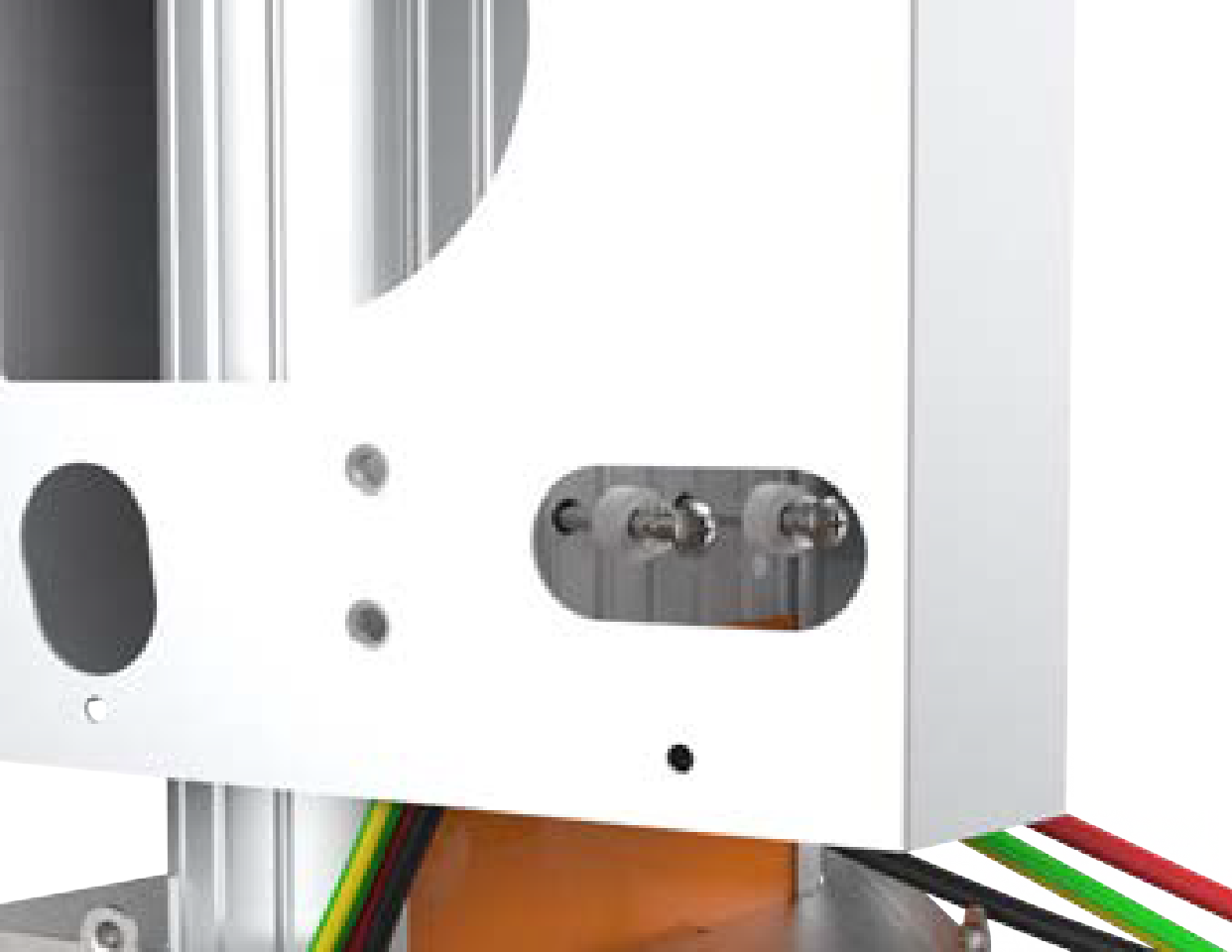
Align the two holes at the top and the two holes at the bottom of the bracket with the corresponding holes on the pedestal.
-
Use two screws (4 inches) with lock washers at the top and two screws (4 inches) with nylon spacers at the bottom to fasten the main bracket to the pedestal.
-
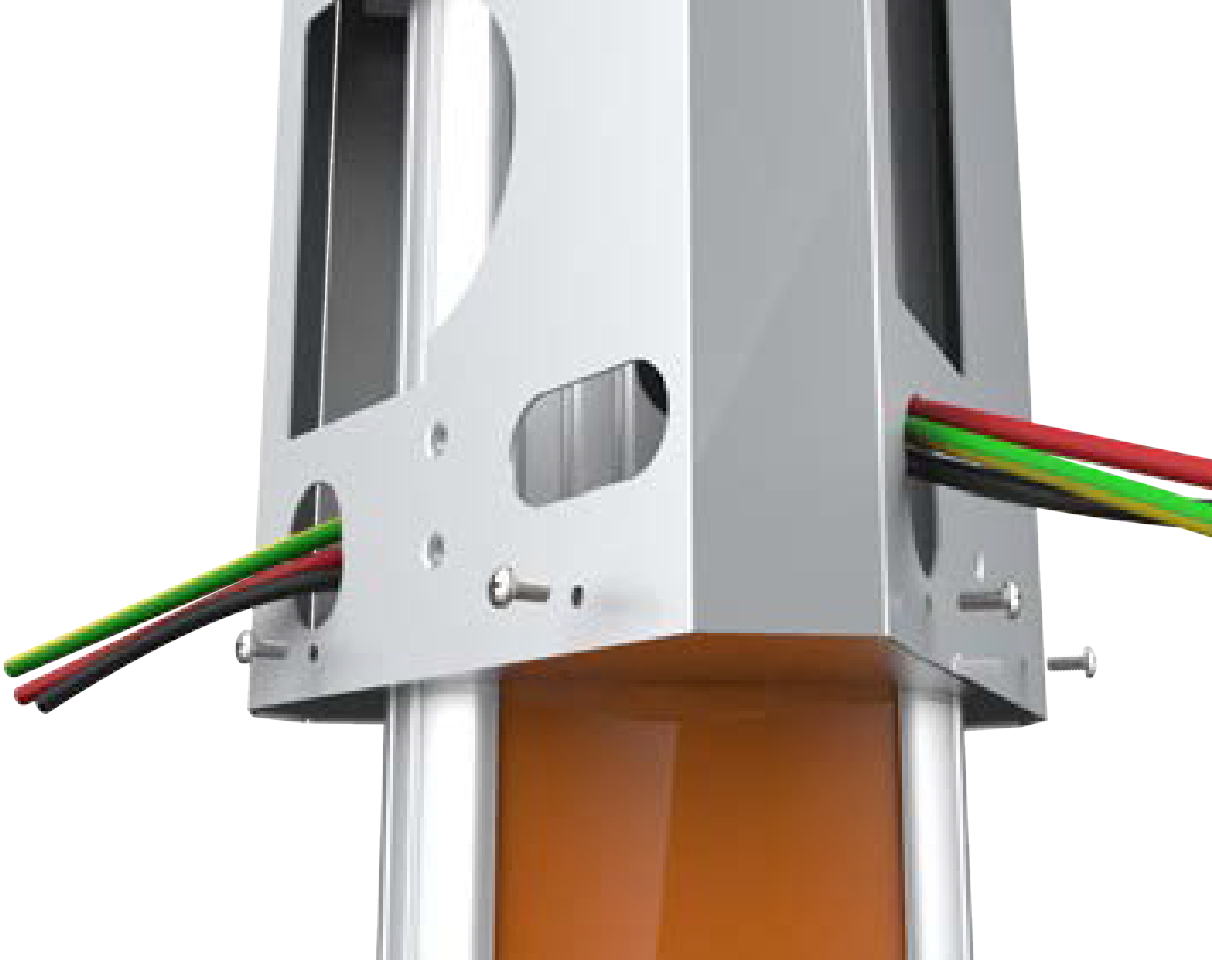
Route the service wiring through the wiring hole on each left corner of the main bracket fronts.
-
Slide the bottom cover up.
Ensure not to scratch the sign on the front of the pedestal.
-
Use four screws (3/8 inch), two on each side and fasten the bracket to the main bracket.
Proceed to Install the Station and Charging Cable to mount the station.
