Replace the Top Cap
To replace the top cap, perform the following steps:
Required Tools and Materials
|
|
Torx screwdriver (T25) |
|
|
Torx screwdriver (T20) |
|
|
4 mm hex wrench
|


Remove the Top Cap
To remove the Top Cop, perform the following steps:
Risk of shock
-
Before any procedure, the technician must disconnect the power.
-
Follow local code to de-energize the applicable circuit and lock out/tag out the disconnect before proceeding. Use a multimeter to test that power is off.
-
Keep power off until the top cap is correctly reinstalled and the work is complete.
Failure to follow these instructions can result in serious injury, loss of life, or property damage.
-
Note the rating label on the top cap.
-
Use the L-wrench to loosen two captive screws securing the top cap.
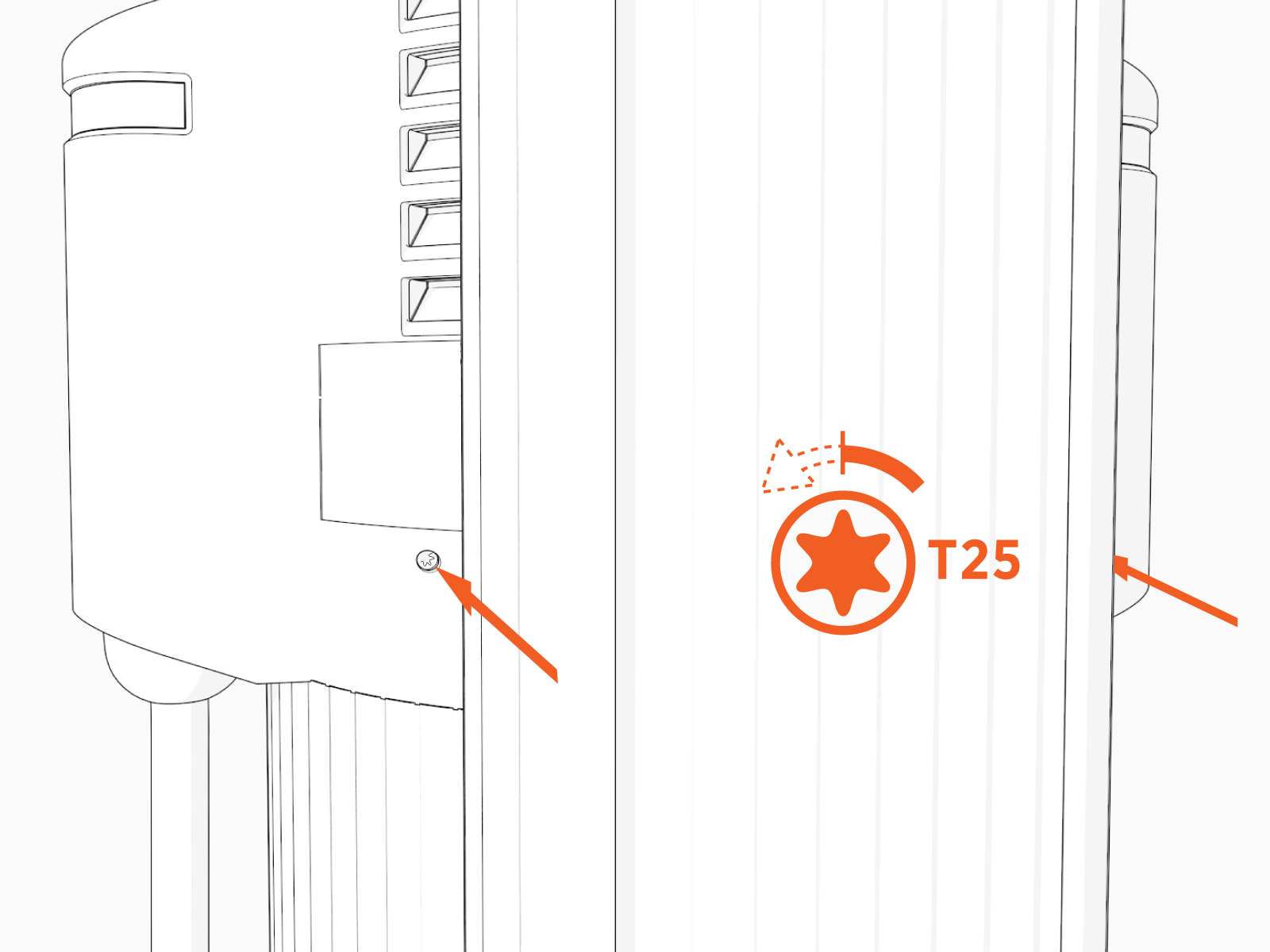
-
Remove the top cap.

Install the Top Cap
To install the Top Cap, perform the following steps:
-
Slide the top cap onto the head assembly, adjusting as necessary to clear the charging cables, until it fits into place.

-
Torque two captive screws to 1.1 Nm (10 in-lb).

-
Apply the appropriate rating label to the new top cap. It will be the same rating as was on the top cap you are replacing.
The rating label must match the station system configuration.
-
At the electrical panel, power up the station.
One or both port LEDs appear Red until the lockout faults are cleared.
Next Steps
Clear Lockout Faults
When you replace a part, the station triggers lockout faults.
To clear lockout faults, go to chargepoint.com/support and contact technical support using the appropriate region-specific number.
Return the Top Cap
