Power Module
This section provides instructions for replacing Power Modules in the Power Block.
Before You Begin
Before servicing the component, complete the following steps:
-
Remove front upper, mid, and lower panels.
-
Remove front door.
AFTER REPLACING THE COMPONENTS, REVERSE THE ABOVE STEPS TO COMPLETE THE SERVICE.
Remove the Power Module
-
Determine which Power Module you need to remove.
-
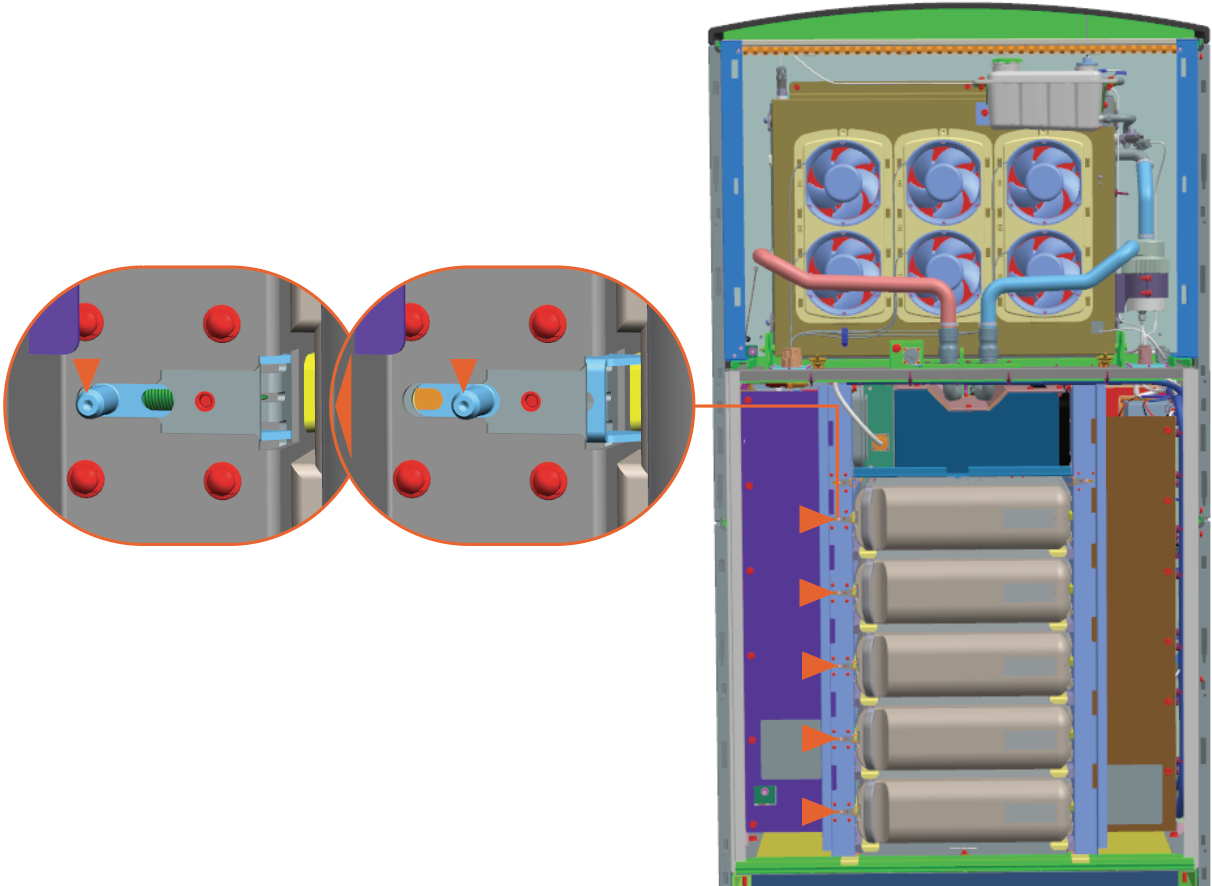
Pull the latch on the left side.
-
While the latch is pulled, hold the Power Module's handle on the left side and slide it out.
Take the help of a service partner to lift the component.
Reinstall the Power Module
-
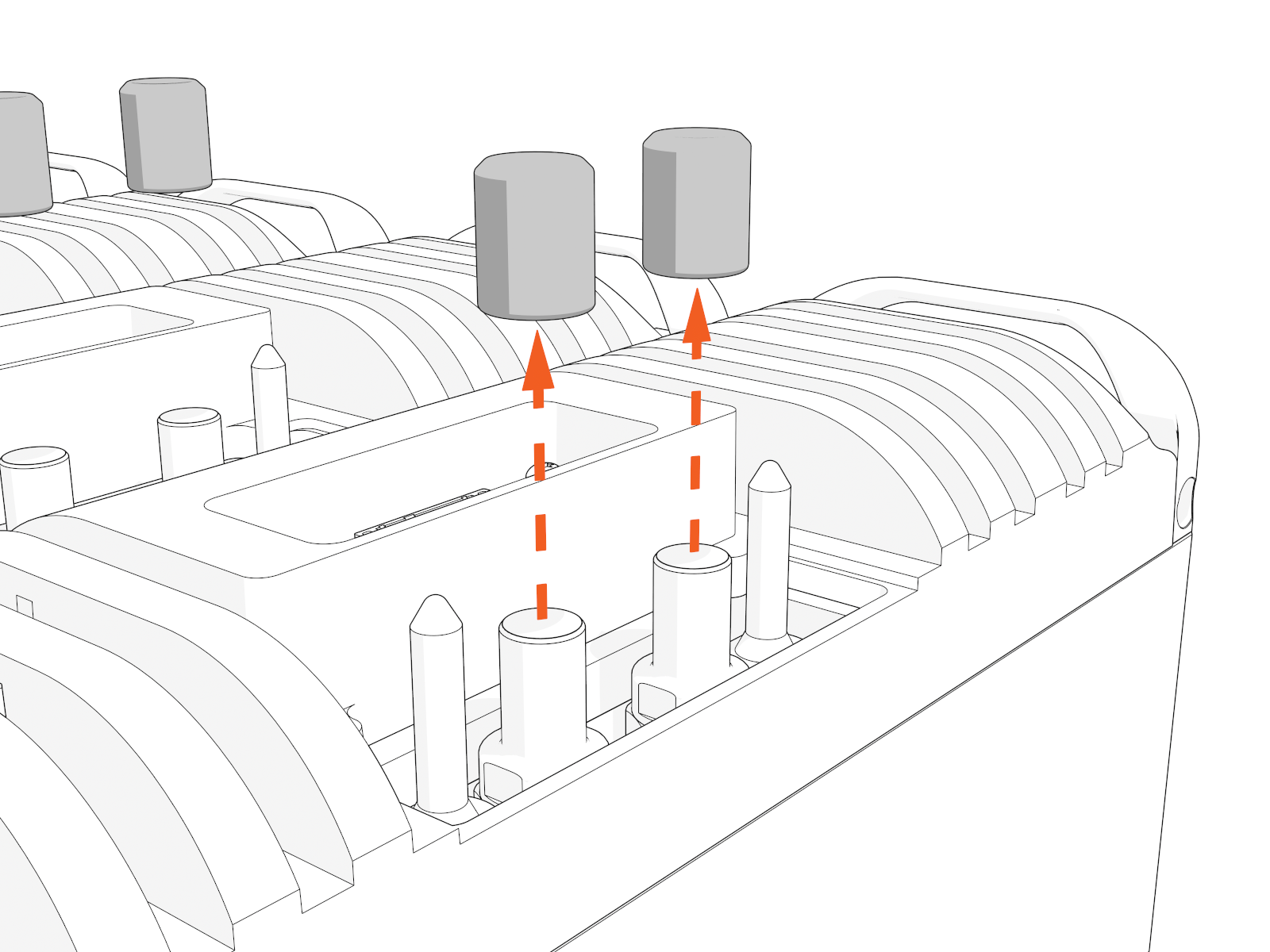
Remove caps from the coolant ports.
-
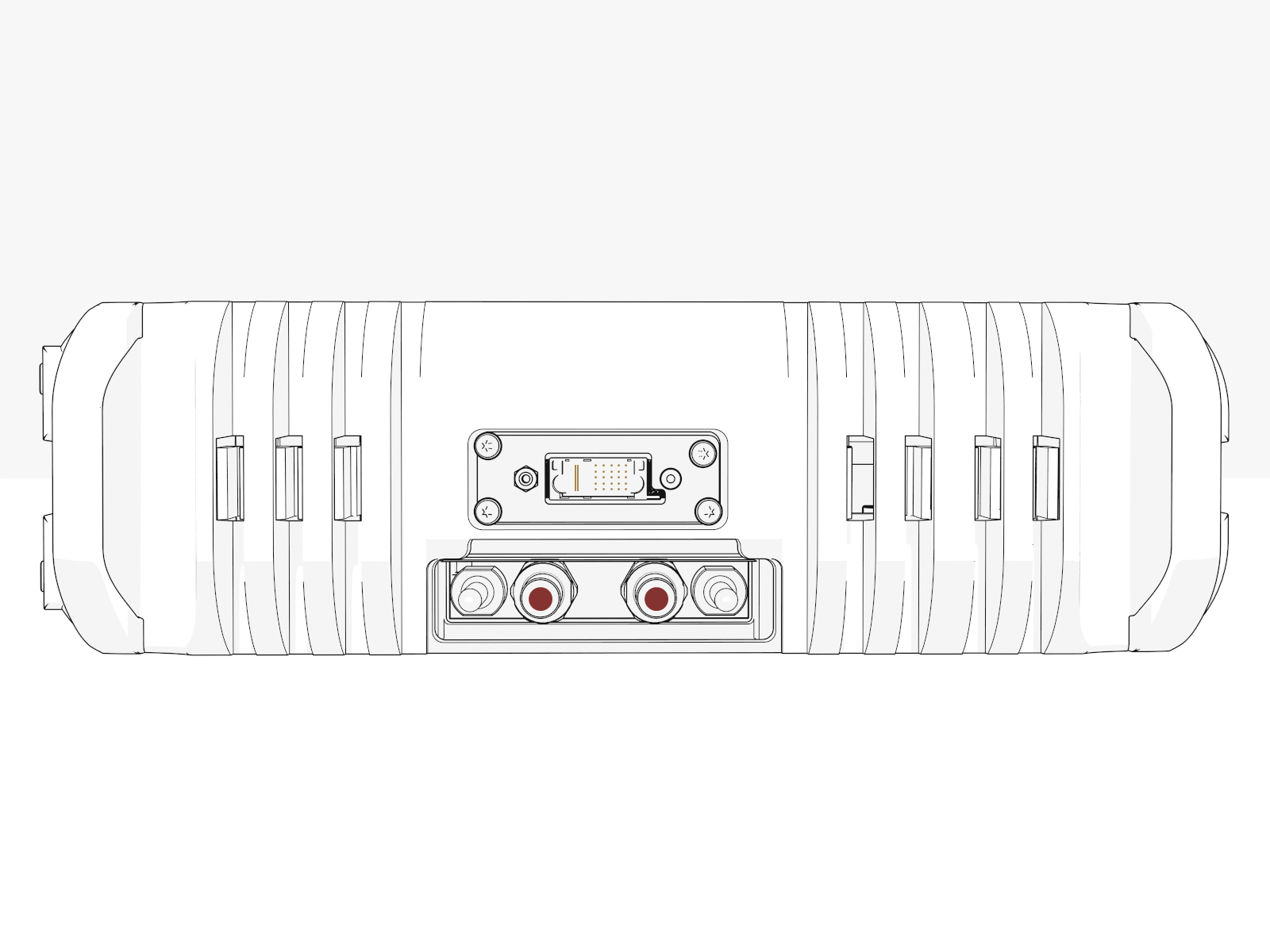
Position the Power Module with the data connector above the coolant port to align with the module mate.
-
Insert the Power Module onto the rack and slide it in until the latch locks.
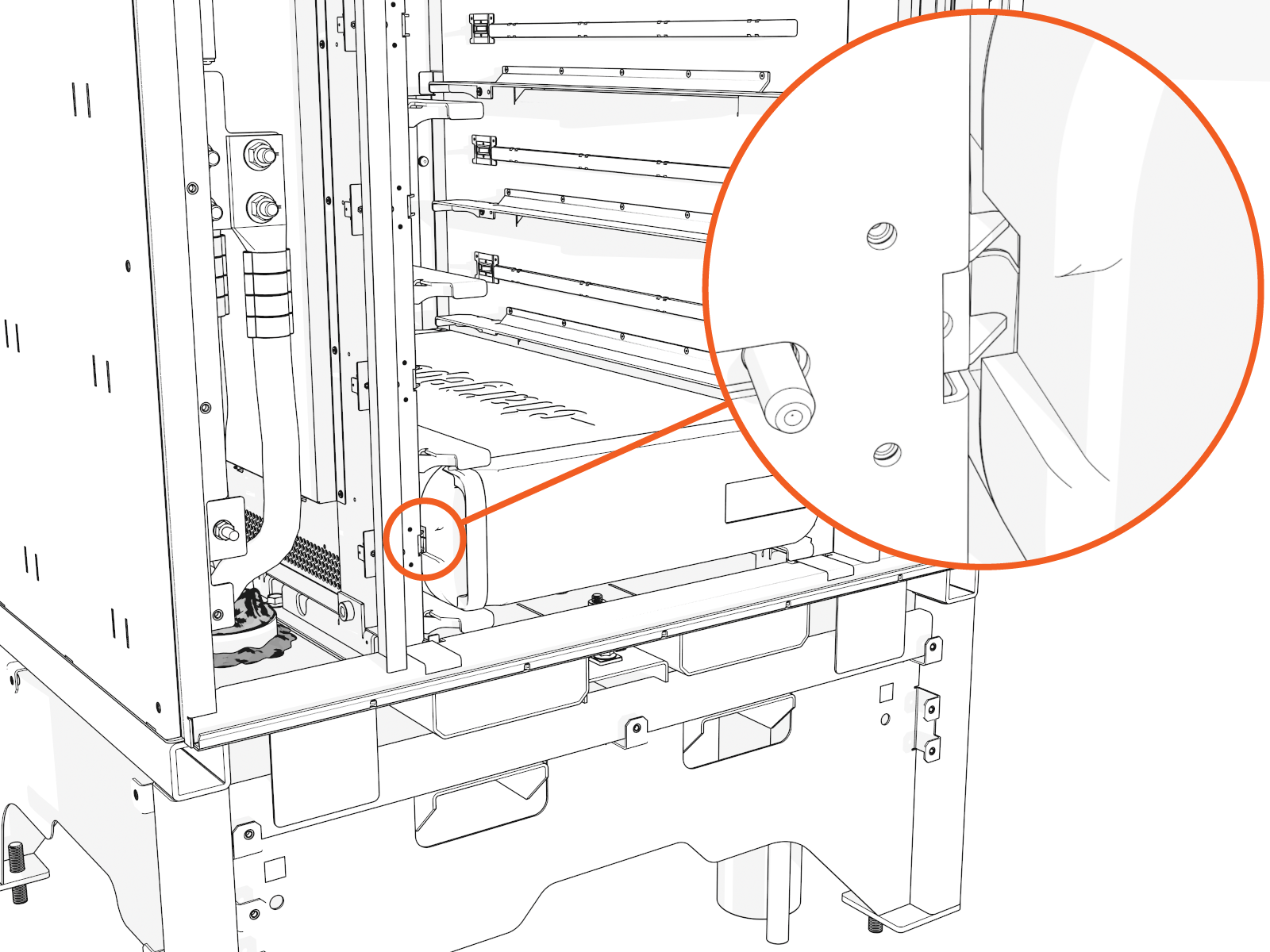 Install Power Modules from lowest to highest.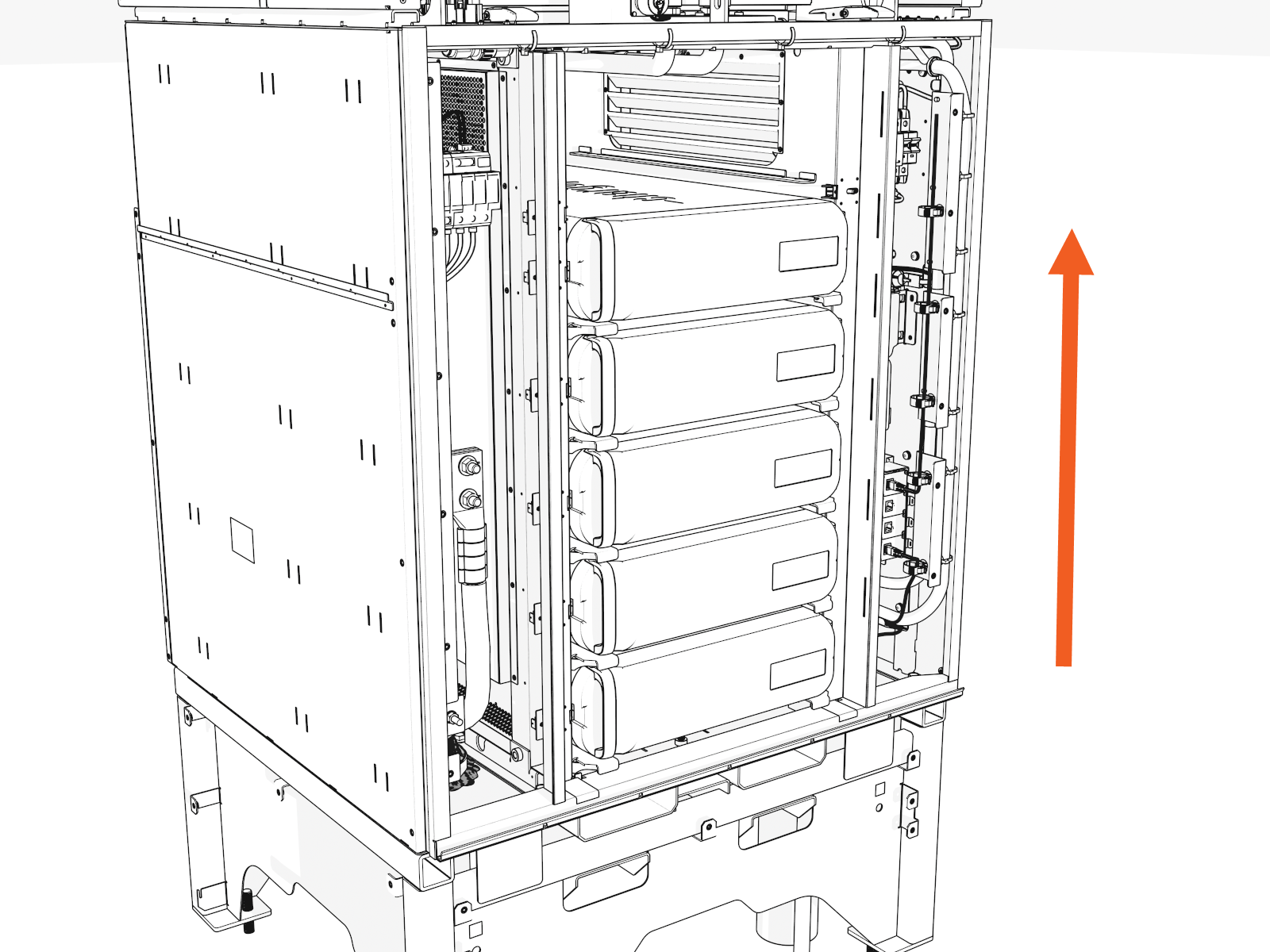
- To adhere to ChargePoint best practices, complete the post-service checklist before you leave the site.
-
For assistance or to return a faulty part to ChargePoint, go to chargepoint.com/support and contact technical support using the appropriate region-specific number.
